Please visit get.vial.today to get started with Vial
Vial is an open-source cross-platform (Windows, Linux and Mac) GUI and a QMK fork for configuring your keyboard in real time.
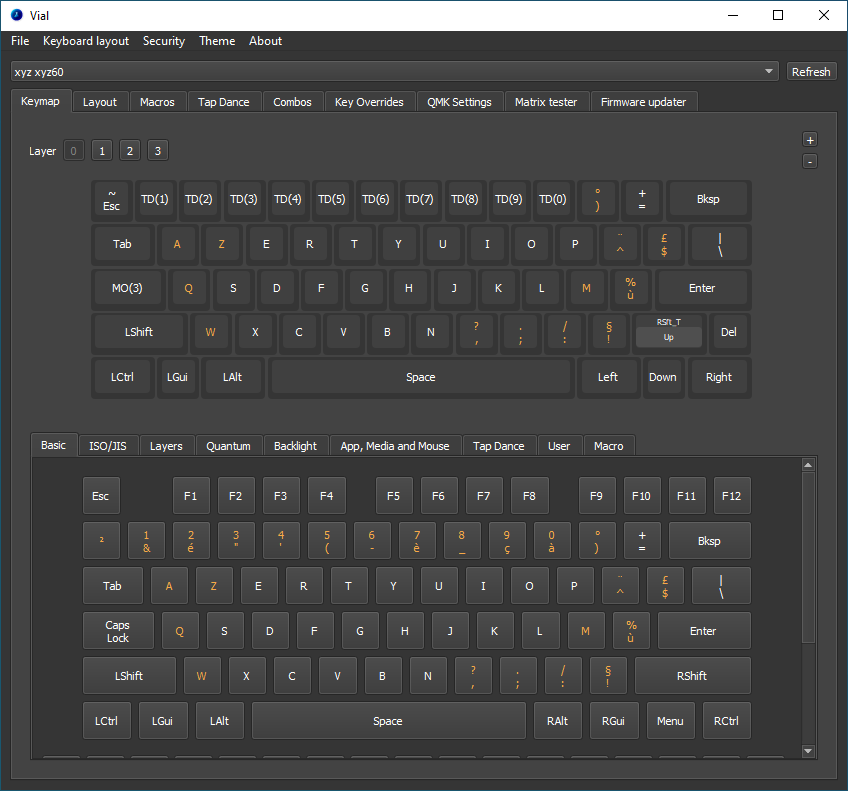
Visit https://get.vial.today/ to download a binary release of Vial.
Python 3.12 is the supported desktop baseline.
Install dependencies:
python3 -m venv venv
source venv/bin/activate
pip install -U pip
pip install -r requirements.txt
Run the application from the repo root:
source venv/bin/activate
python src/main/python/main.py
The build uses PyInstaller directly now; fbs is no longer part of the supported workflow.
Build on the target OS you want to ship for. Cross-compiling is not set up here.
macOS:
python3 -m venv venv
source venv/bin/activate
pip install -U pip
pip install -r requirements.txt
pyinstaller --noconfirm vial.spec
Outputs:
dist/Vial.appdist/Vial
Windows (PowerShell):
py -3.12 -m venv venv
.\venv\Scripts\Activate.ps1
python -m pip install -U pip
pip install -r requirements.txt
pyinstaller --noconfirm vial.spec
Expected output:
dist\Vial.exe
Linux:
python3.12 -m venv venv
source venv/bin/activate
pip install -U pip
pip install -r requirements.txt
pyinstaller --noconfirm vial.spec
Expected output:
dist/Vial
Notes:
- The current spec is desktop-only. Web/emscripten is not part of this Python 3.12 packaging flow.
- On macOS, PyInstaller currently emits a deprecation warning about the app bundle layout. The build still succeeds, but moving to a cleaner
onedirapp layout is a future cleanup item. - Linux AppImage packaging is not fully documented by this README yet. The repo still has util/linux-builder/_builder.sh, but the primary supported path today is the direct PyInstaller build above.
If you want to rebuild after code changes:
source venv/bin/activate
pyinstaller --noconfirm vial.spec