

Maple reads the performance data you already have. It detects regressions against historical baselines with a deterministic statistical gate, correlates likely causes, and backs every finding with a citation to the raw artifact.


The core idea · How it works · Architecture · What it does · Why not RAG? · Getting started · Project layout
The verdict is deterministic. The language model never computes it.
Most "AI for observability" tools ask a model to decide whether something regressed. Maple keeps that decision out of the model's hands. A Rust statistical gate owns every number: percentiles, p-values, change points, correlations. The LLM orchestrates, narrates, challenges, and recommends, and every sentence it writes has to quote evidence that already exists in the database.
The split looks like this:
| Who owns it | Why | |
|---|---|---|
| Did it regress? | Rust analysis crate | Reproducible, testable, no hallucinated numbers |
| Is it signal or noise? | Rust statistical guard | p-value 0.05, practical effect 0.10, min 3 samples |
| Which metric & window? | Rust change-point detection | Split-window mean shift, paired Pearson correlation |
| What does it mean? | LLM narration | Reads the Evidence Pack, cites it verbatim, or stays silent |
| What should I do next? | LLM recommendation | Correlation and localization, never proven causation |
If the model isn't configured, errors out, or writes a citation that isn't verbatim-grounded in stored evidence, Maple serves the deterministic report unchanged. The numbers never depend on the model.
Maple carries an uploaded k6 artifact all the way to a cited, deterministic report.
flowchart LR
    A["📦 Uploaded artifact<br/>(k6 / Prometheus)"] --> W["🦀 Rust worker<br/>/ingest"]
    W --> P["🗄️ Convex<br/>persist artifacts, runs,<br/>metrics, series, extracts"]
    P --> N["🦀 Rust analysis<br/>/analyze"]
    N --> R["📊 Report + findings<br/>+ trace steps"]
    R --> U["🖥️ Web report surface"]

    R -. in-process narration .-> L["🤖 AI SDK<br/>narrate from Evidence Pack"]
    L --> R
- Ingest. The Rust worker parses raw bytes into a canonical
IngestOutput. Convex authorizes the upload, validates the worker's JSON, and persistsartifacts → runs → metrics → series → extracts. No model touches this path. - Analyze.
crates/analysistakesbaselines[]pluscandidate, runs the statistical gate, and returnsverdict,confidence,primaryMetric,findings,changePoints,correlations, andguardthresholds. - Narrate. A durable Convex workflow assembles an Evidence Pack. An in-process AI SDK action (
generateText+Output.object) then writes a grounded summary and recommendation, and Maple checks every quote against the raw evidence before it ships. - Explain. The dashboard opens up the trace: raw artifacts, metric citations, report steps, and highlightable source fragments. Nothing is a black box.
- Alert. When the verdict comes back
failed, or a finding lands at critical or high severity, Maple emails the project owner through Resend. The alert carries the verdict, the top findings, and the recommendation.
Strict module seams keep deterministic logic, persistence, and presentation from leaking into each other.
flowchart TB
    subgraph Web["🖥️ apps/web · Next.js 16 + React 19"]
        UI["Dashboard, report & finding surfaces<br/>Evidence-grounded agent"]
    end

    subgraph API["🗄️ packages/api · Convex"]
        S["Schema, indexes & auth"]
        I["Upload ingest action"]
        Rep["Durable report workflow"]
        Sea["Stored-evidence + guarded Prometheus search"]
    end

    subgraph Rust["🦀 Rust worker"]
        Wk["crates/worker<br/>/health /ingest /analyze"]
        Ing["crates/ingest<br/>source adapters"]
        An["crates/analysis<br/>deterministic verdict"]
    end

    Store[("Convex DB + file storage")]

    UI -->|"Convex only"| S
    UI --> I
    UI --> Rep
    UI --> Sea
    I --> Wk
    Rep --> Wk
    Wk --> Ing
    Wk --> An
    I --> Store
    Rep --> Store
    Sea --> Store
| Module | Responsibility | Boundary |
|---|---|---|
crates/analysis |
Deterministic verdicts, guards, change points, correlations | No Convex, auth, network, or UI |
crates/ingest |
Source adapters: bytes to IngestOutput |
Parses and validates, never writes Convex |
crates/worker |
Coarse HTTP boundary (/ingest, /analyze) |
No auth, IDs, persistence, or agents |
packages/api |
Convex schema, auth, persistence, search, reports, narration | Validates every Rust response |
packages/engine |
Turbo ↔ Cargo task adapter | No product logic |
apps/web |
Product UI over typed Convex APIs | Talks to Convex only |
apps/docs |
Fumadocs documentation site | Source of truth |
apps/web imports only the Convex API boundary: generated references and types, never implementation modules. The UI cannot reach into the engine room.
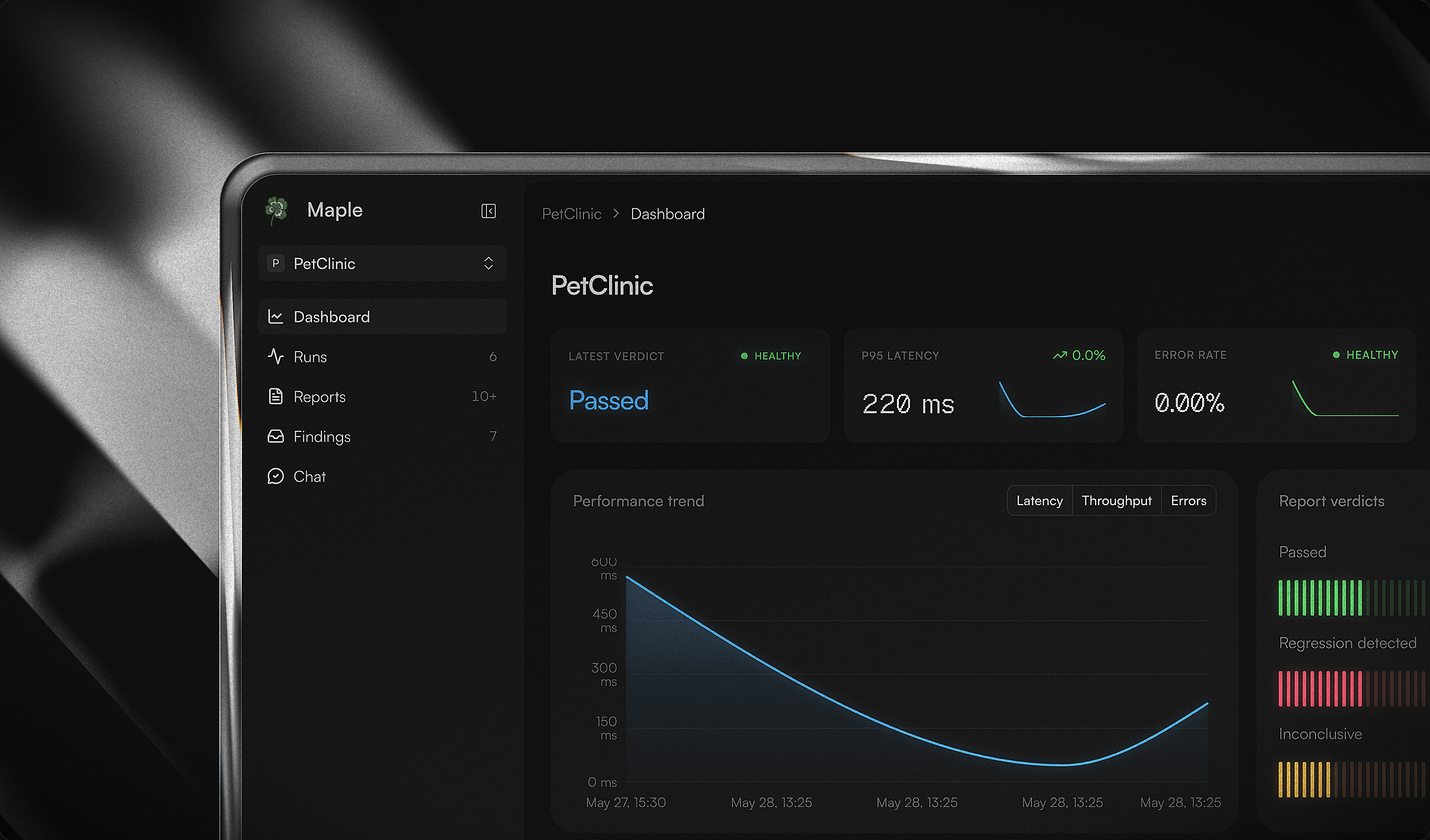
Ingest runs through the worker, which streams uploads chunk by chunk rather than buffering them whole. It accepts artifacts up to 250 MB compressed and 2 GB decompressed, with per-chunk idle timeouts so a slow-but-healthy multi-gigabyte fetch still completes and a zip bomb still gets cut off. The statistical gate runs in native Rust, so the heavy numeric work stays off the request path and out of the model.
The verdict is not a threshold check. Maple runs a two-sided Welch t-test for unequal variances, split-window change-point detection to locate where a metric shifted, and Pearson correlation to pair an application metric against the infrastructure metric that moved with it. A practical-effect floor keeps trivial differences from tripping the gate, and a baseline older than 14 days returns inconclusive rather than a false alarm.
|
Percentiles stay exact for small runs and switch to a bounded DDSketch with a known relative-error bound once a run gets large, while the mean stays exact through sum and count. When a sketch-derived percentile lands inside that error band of the regression threshold, Maple marks the result inconclusive instead of guessing which side of the line it fell on. DDSketch is a deliberate choice over t-digest here: this gate compares relative value deltas, and DDSketch gives a relative-error guarantee on the quantile value, which is exactly the contract a 10% regression threshold needs. t-digest optimizes rank accuracy in the tails, a different promise than the one this decision rests on. |
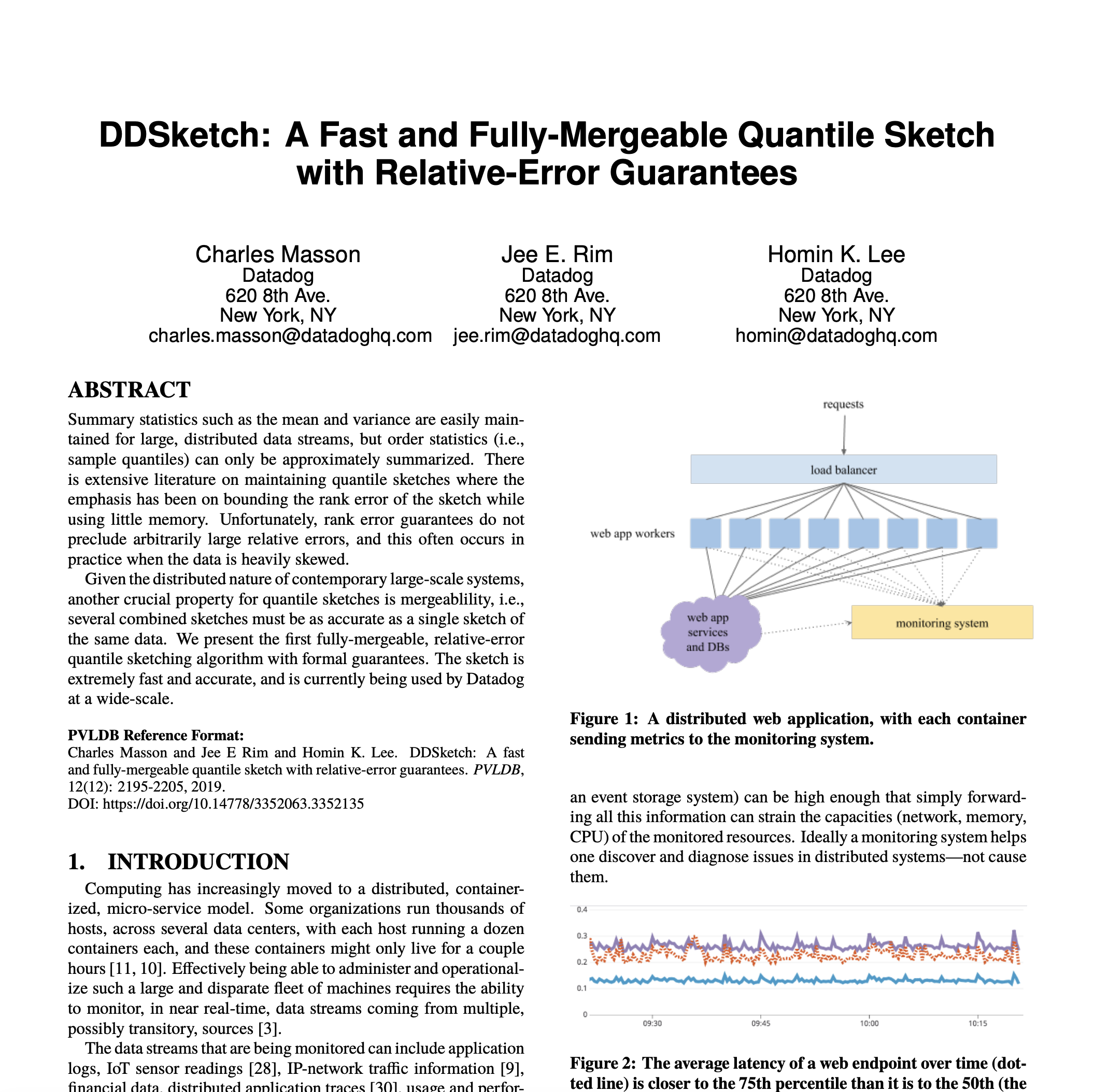
|
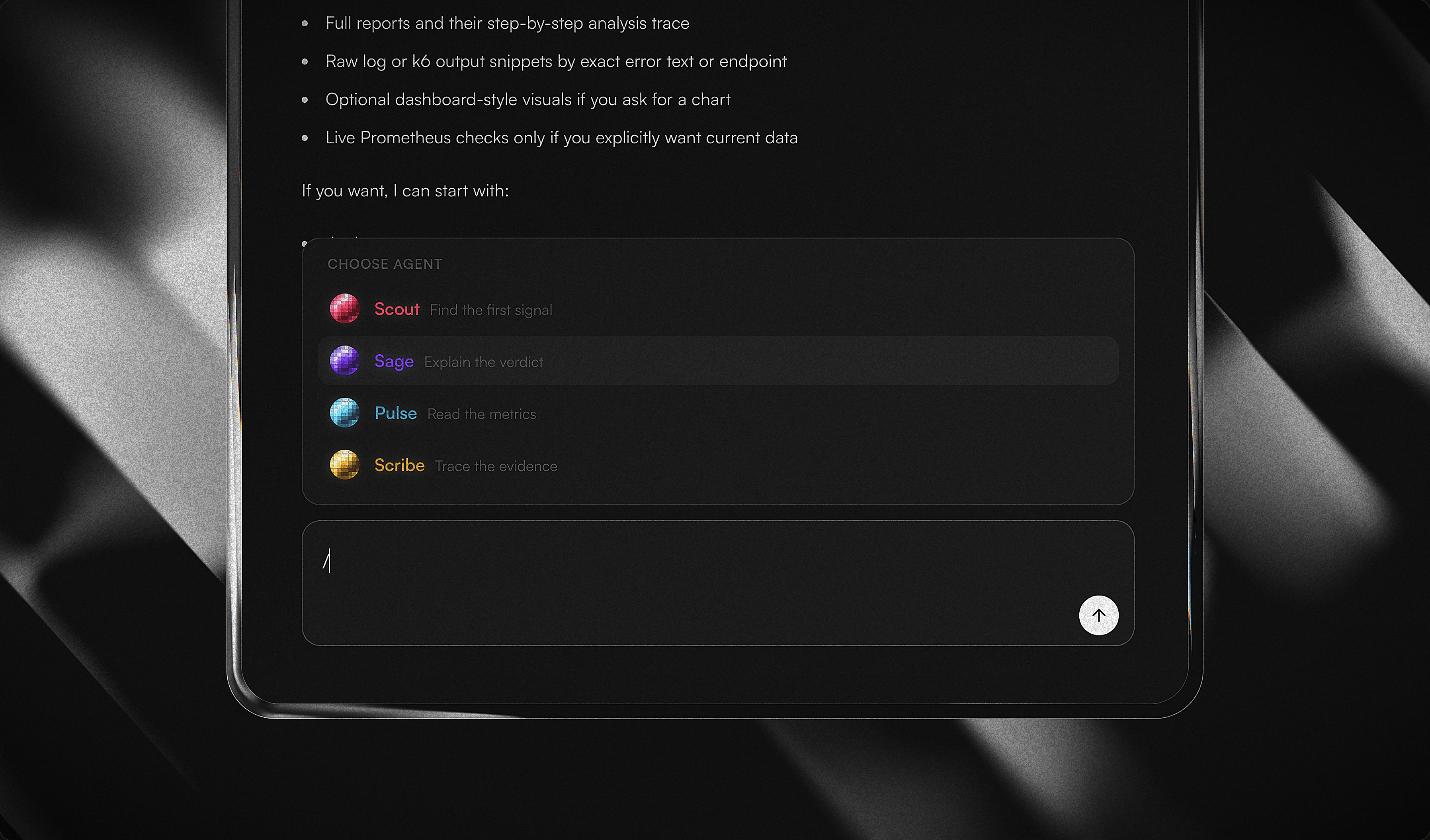
Ask a question and the agent works it like an engineer would: list the runs, open the one that matters, pull its metrics, read the series behind a spike, follow a finding into its report, then into the trace that produced it. It chains as many of these reads as the question needs across a single turn, and every tool it can call is scoped to your project, so it cannot reach another project's data even if asked.
The model orchestrates; it never invents the numbers. Each tool returns stored evidence, and the citations are harvested as the tools resolve, so the answer arrives with chips that link back to the exact run, metric, or artifact it read. Live Prometheus is one tool among them, fenced behind a host allowlist and a bounded window.
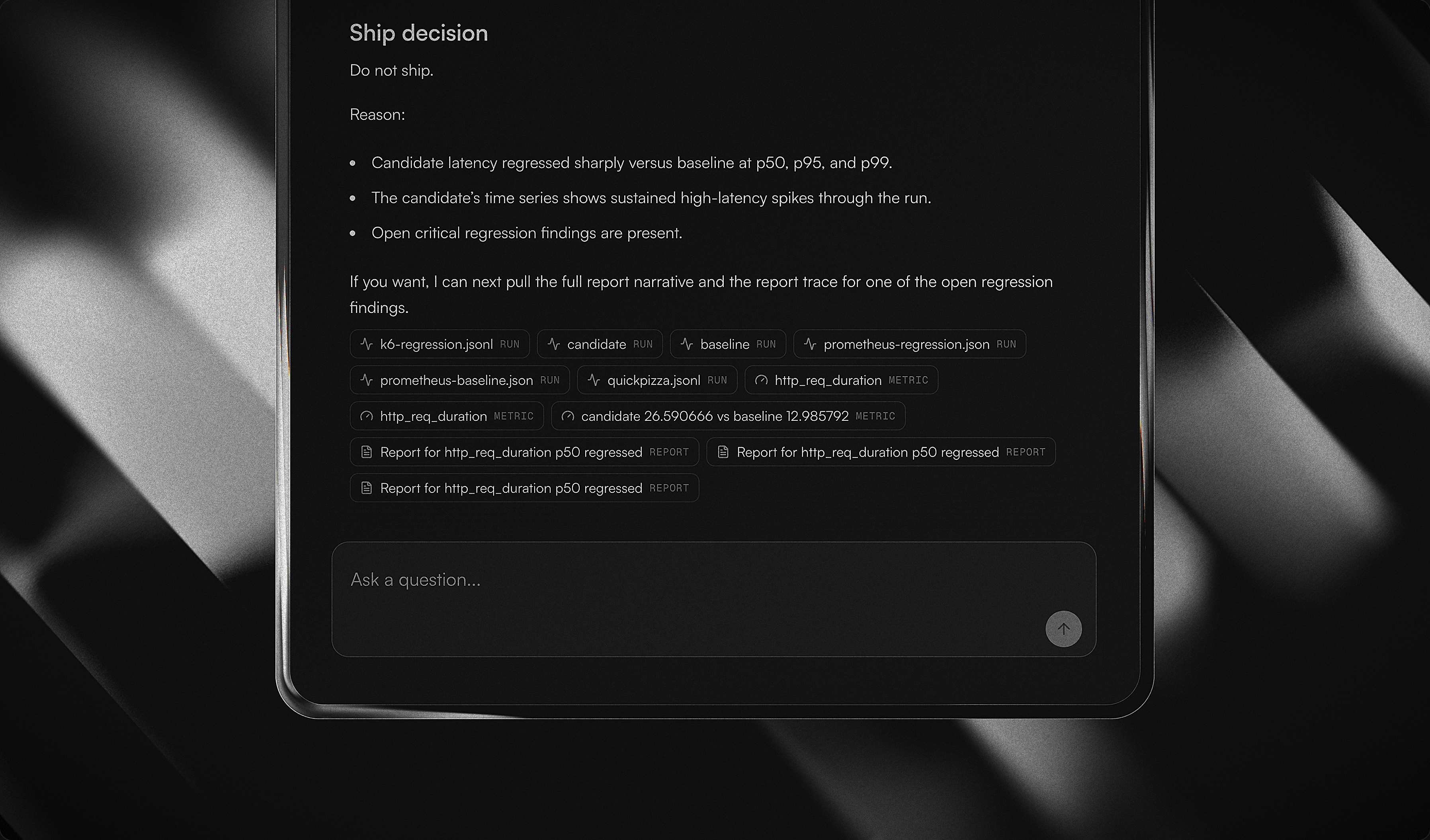
Every finding starts as a deterministic verdict from the Rust analysis crate. The LLM then writes the parts a human actually reads: what it means, what to do next, and the caveat that keeps correlation from posing as cause. Before any of that ships, Maple validates each quote verbatim against the Evidence Pack. A quote that doesn't match gets dropped, and the deterministic finding goes out untouched.
Report generation leaves a record. Each step is tagged with the role that produced it (a detector that finds the shift, a correlator that pairs metrics, a skeptic that challenges the claim, and a lead that owns the report) and the kind of step it was: a stage, a tool run, a claim, a challenge, or a note. Evidence rides inline on every step, and the report view replays the whole sequence as it runs. Open any claim and you reach the artifact it came from.

A finding is not a one-shot alert. It opens, gets acknowledged, and resolves, and it can reopen if the regression comes back. The findings inbox groups them by state so a real regression stays visible until someone closes it out, rather than scrolling off a feed.
A failed verdict or a critical finding emails the project owner through Resend, with the verdict, top findings, and recommendation in the body. No regression, no noise.
When you ask to see something, the agent renders a trusted visual inline: a performance trend, the verdict mix, throughput, a recent-run table. The chart carries no numbers of its own. The client draws it from the same project-scoped evidence the text answers cite, so a graph in the chat is as grounded as the sentence next to it.
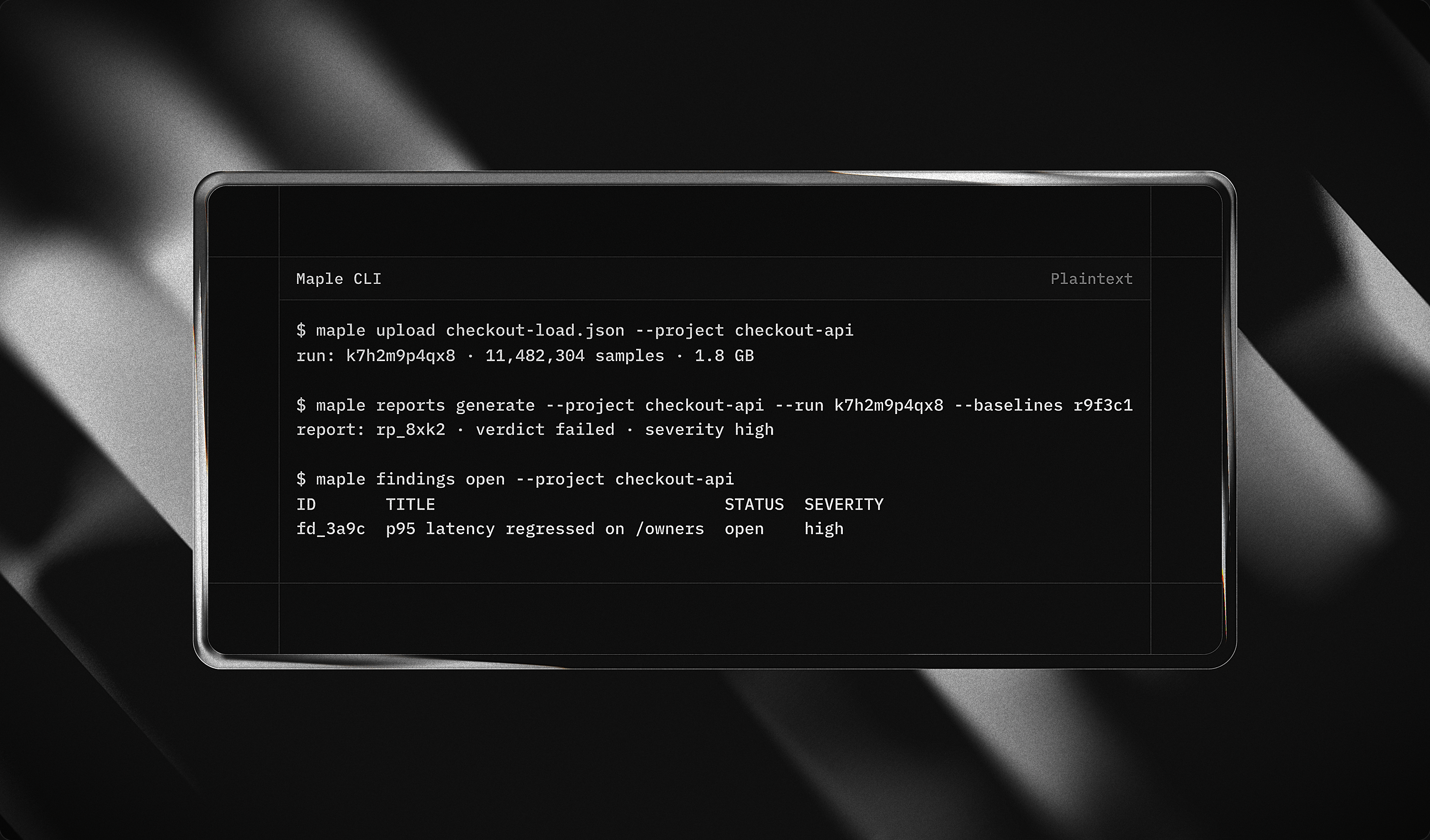
The maple CLI prints reports, findings, and artifact detail straight from the terminal. A portable Skill wraps that same surface, so the workflows run inside agent harnesses like Claude Code and Codex.
Because this is a mission-critical path, and RAG is the wrong tool for it. Retrieval-augmented generation answers by semantic similarity, which is a probabilistic guess at what's relevant. A regression report cannot be a guess. When the question is "did p95 latency regress, by how much, and against which baseline," approximate-nearest-neighbor over embeddings has no job to do. The answer is a number, and a number has one correct value.
So Maple answers from trusted, structured evidence: exact reads and full-text over runs, metrics, series, reports, findings, and extracts. Embedding models never compute a metric, a percentile, or a citation. There's no semantic index in the answer path, and a schema test keeps it that way.
Skipping RAG is not a compromise. It removes the one component whose entire premise is "close enough," and replaces it with a path where every answer traces to a stored fact you can open.
Prerequisites: Node ≥ 24, pnpm@11, and a Rust toolchain (2024 edition) for the worker.
# 1. Install the workspace
pnpm install

# 2. Point the API at a per-developer Convex deployment
pnpm --filter @workspace/api setup:convex:local
pnpm --filter @workspace/api setup:env
pnpm --filter @workspace/api exec convex env set BETTER_AUTH_SECRET '<secret>'

# 3. Run the pieces you need
pnpm dev          # web + docs + api + worker (everything but the CLI)
pnpm dev:api      # Convex backend
pnpm dev:worker   # Rust worker
pnpm dev:web      # Next.js app
pnpm dev:docs     # Fumadocs site
Use setup:convex (without :local) only when you intentionally want a cloud dev deployment.
Brings up the web app, the Rust worker, and a self-hosted Convex backend, then
pushes functions, sets env, and seeds a demo project — in one go. Only Docker is
required; no local Node, Rust, or convex login.
pnpm dev:docker # creates .env.docker from the example, then brings the stack upAdd OPENAI_API_KEY to .env.docker for AI narration. Other commands:
pnpm dev:docker:build (rebuild images), pnpm dev:docker:down (stop).
| URL | What |
|---|---|
| http://localhost:3000 | Web app |
| http://localhost:6791 | Convex dashboard |
| http://localhost:3210 | Convex backend (API) |
| http://localhost:4001 | Rust worker |
Web and Convex source are bind-mounted, so edits hot-reload. The first boot compiles the Rust worker (a few minutes, cached after).
The seed creates a demo project owned by a synthetic seed user, visible by id to the chat page but not in a signed-in user's project list — sign up in the app to create your own project and run the full ingest flow.
The Convex secret and admin key in .env.docker.example are a fixed local-dev
pair (the key is derived from the secret). They are local-only; never reuse them
in production.
pnpm dlx shadcn@latest add button -c apps/webComponents land in apps/web/components/ui and import via the app-local alias:
import { Button } from "@/components/ui/button";maple/
├── apps/
│ ├── web/ # Next.js 16 · React 19 · shadcn/ui · Recharts
│ └── docs/ # Fumadocs, the source of truth
├── packages/
│ ├── api/ # Convex: schema, auth, ingest, reports, search, narration
│ └── engine/ # Turbo ↔ Cargo task adapter
└── crates/
├── analysis/ # deterministic verdict + statistics
├── ingest/ # source adapters (k6, Prometheus)
└── worker/ # HTTP boundary: /health /ingest /analyze
Built with 🦀 Rust · 🗄️ Convex · ⚛️ Next.js · 🤖 AI SDK
Every verdict is reproducible. Every claim cites evidence you can open.