
WebScreenSaver • Download
Jocys.com Web Screen Saver allows you to use Internet web pages as Windows screen saver. You can protect your computer by enabling screen saver locking feature in Windows Screen Saver Settings. For example, you can use it on tablet with “Paessler PRTG Network Monitoring Software”.

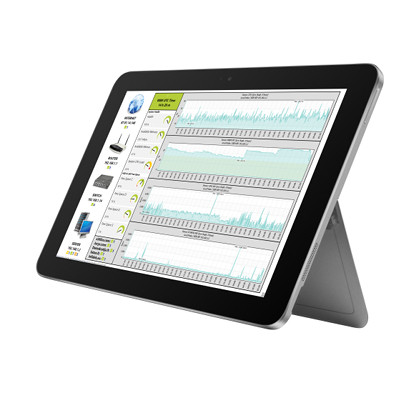

1. Download “WebScreenSaver.scr” file and save it in permanent folder.
2. Right-click on “WebScreenSaver.scr” file and select "Install" menu option.

Right-click on “WebScreenSaver.scr” file and select “Configure” menu option.
Or on Windows 10:
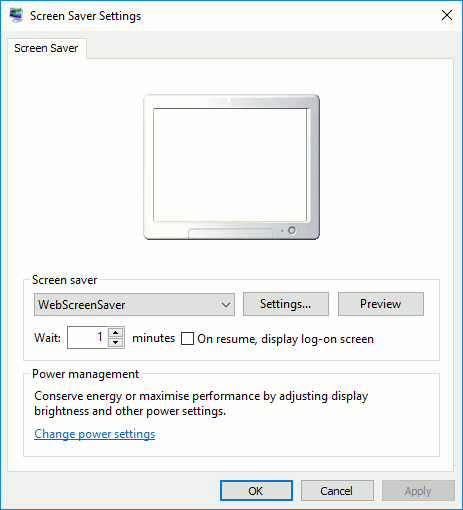
1. Start > Settings >Personalisation > Lock Screen > Screen Saver Settings.
2. Select “WebScreenSaver” from “Screen saver” drop-down menu.
3. Click on [ Settings… ] button.
Delete “WebScreenSaver.scr” file.