Repository navigation
Return to the spend rule form after upgrading from a workspace spend rule page - #103365
Conversation


…rule page

Co-authored-by: Situ Chandra Shil <situchan@users.noreply.github.com>

 melvin-bot
Bot
added
Melvin-Test-Android
Melvin-Test-Web
melvin-bot
Bot
added
Melvin-Test-Android
Melvin-Test-Web

Codecov Report✅ Changes either increased or maintained existing code coverage, great job!
|

|
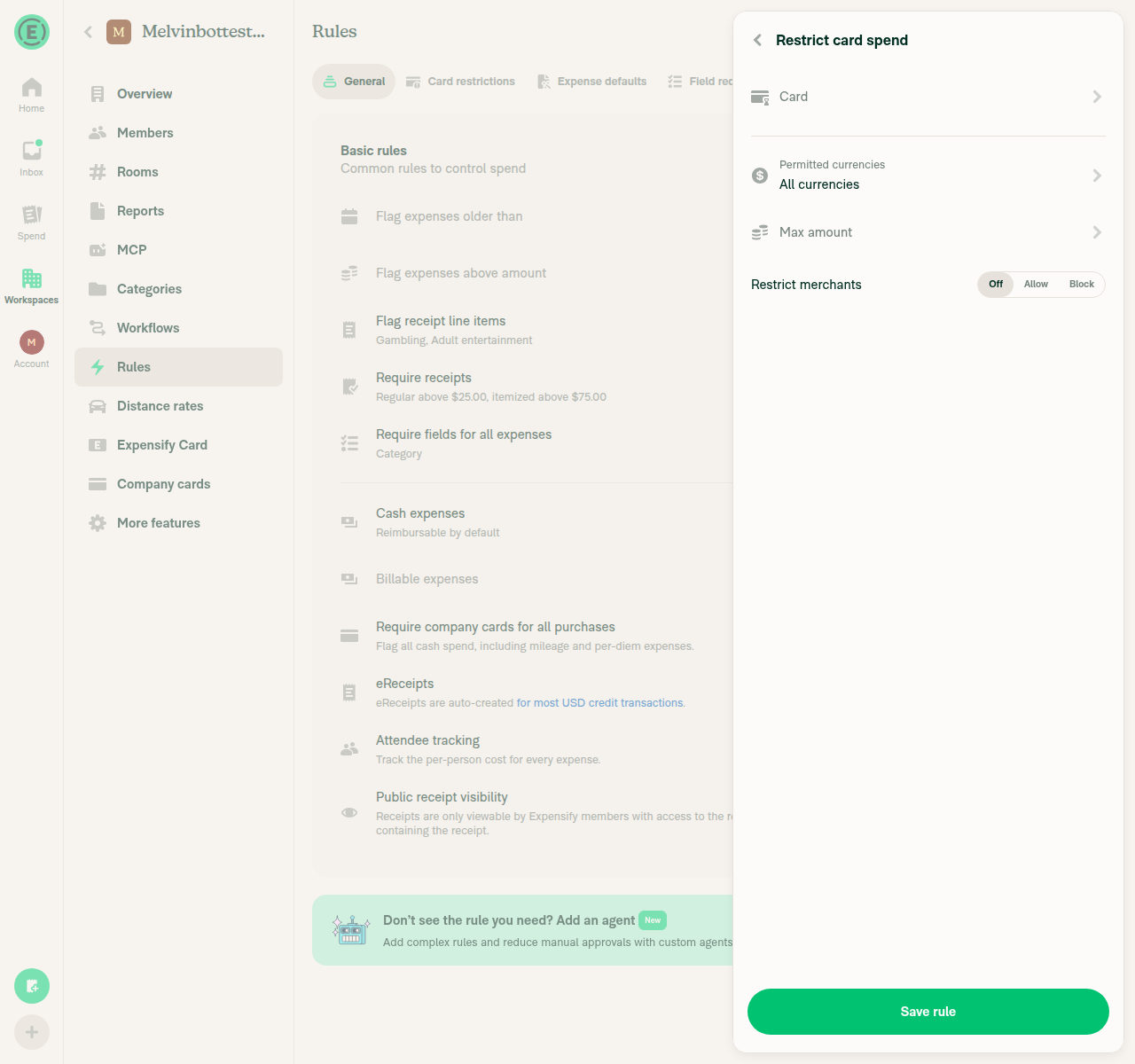
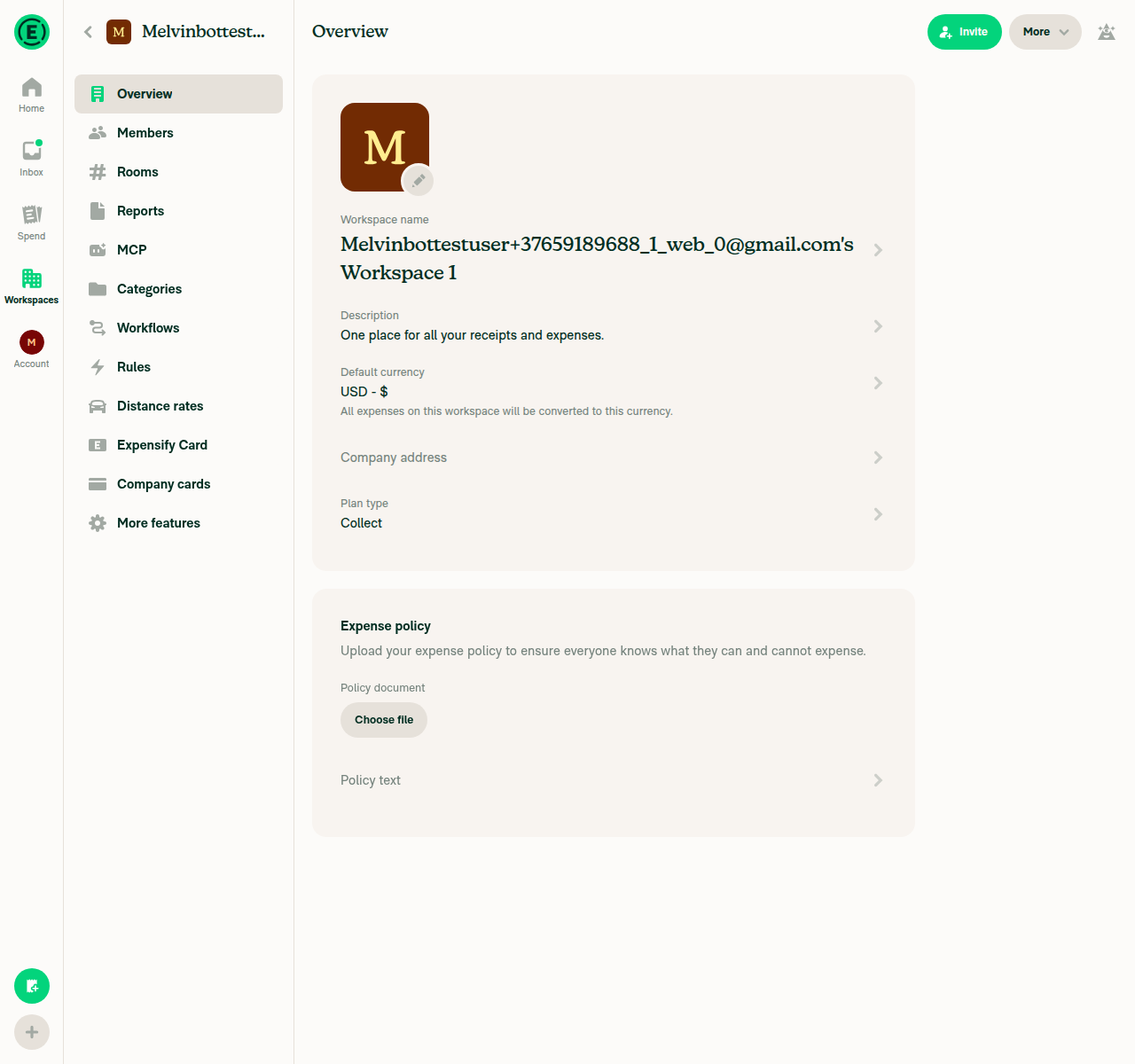
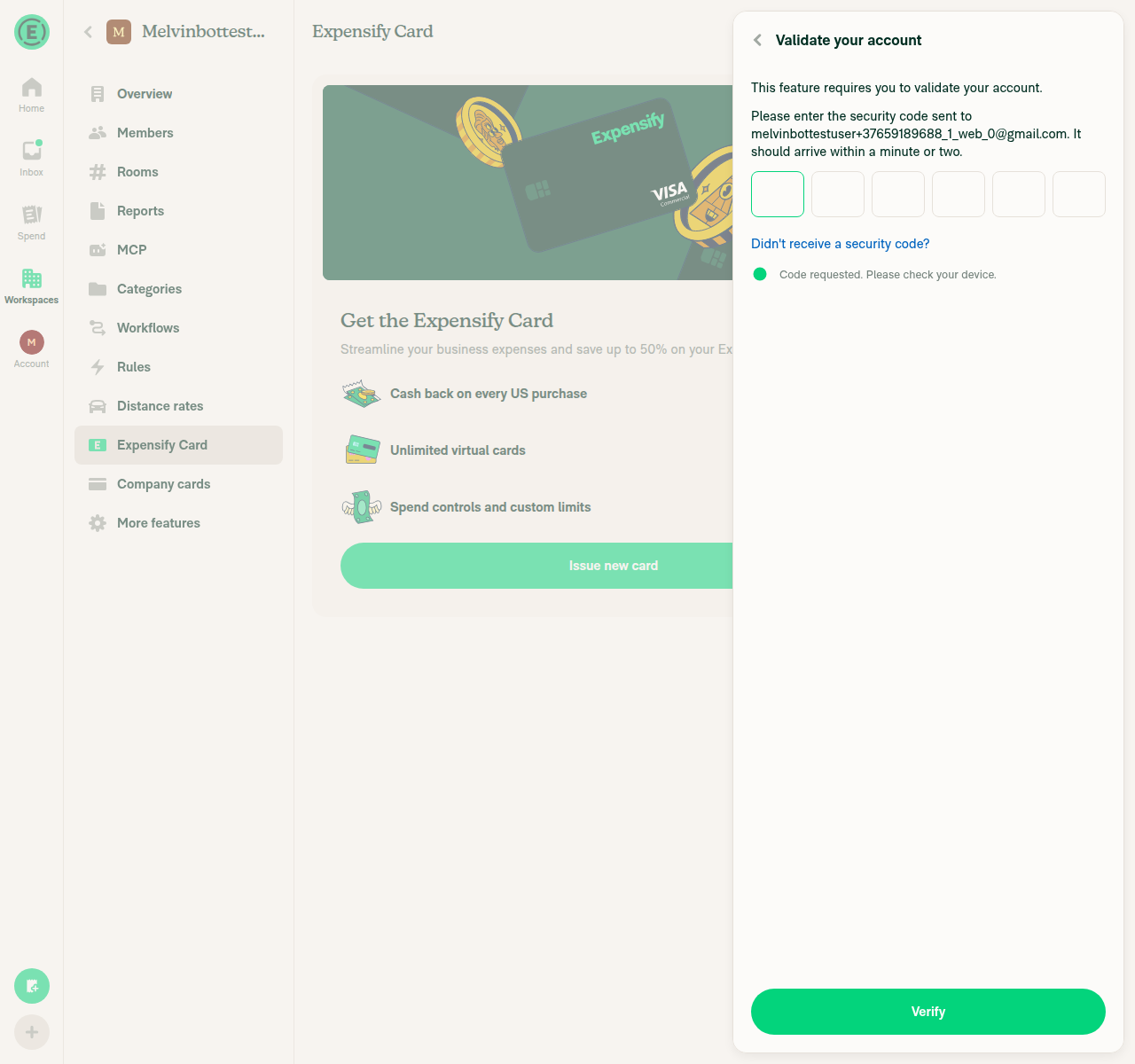
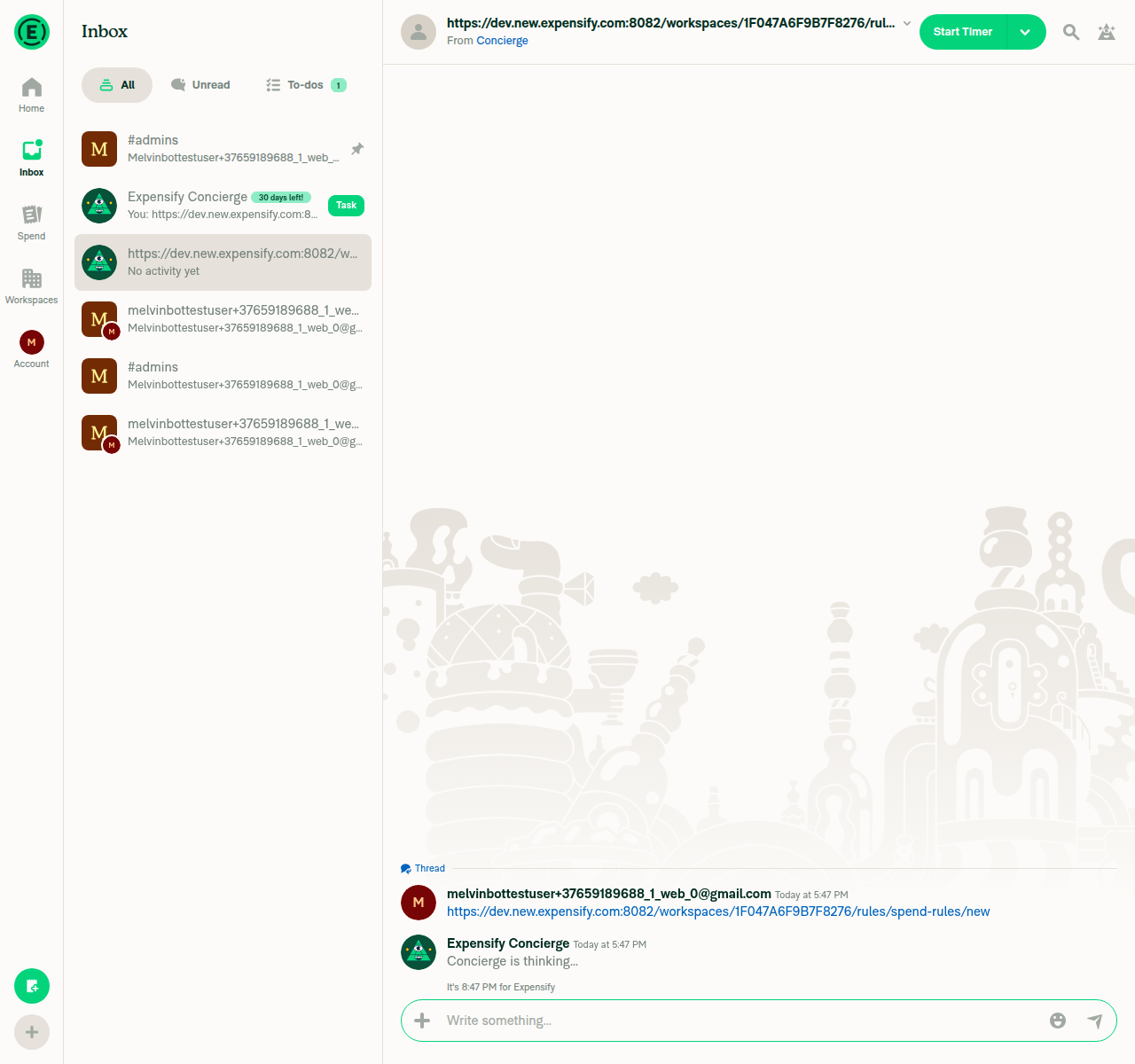
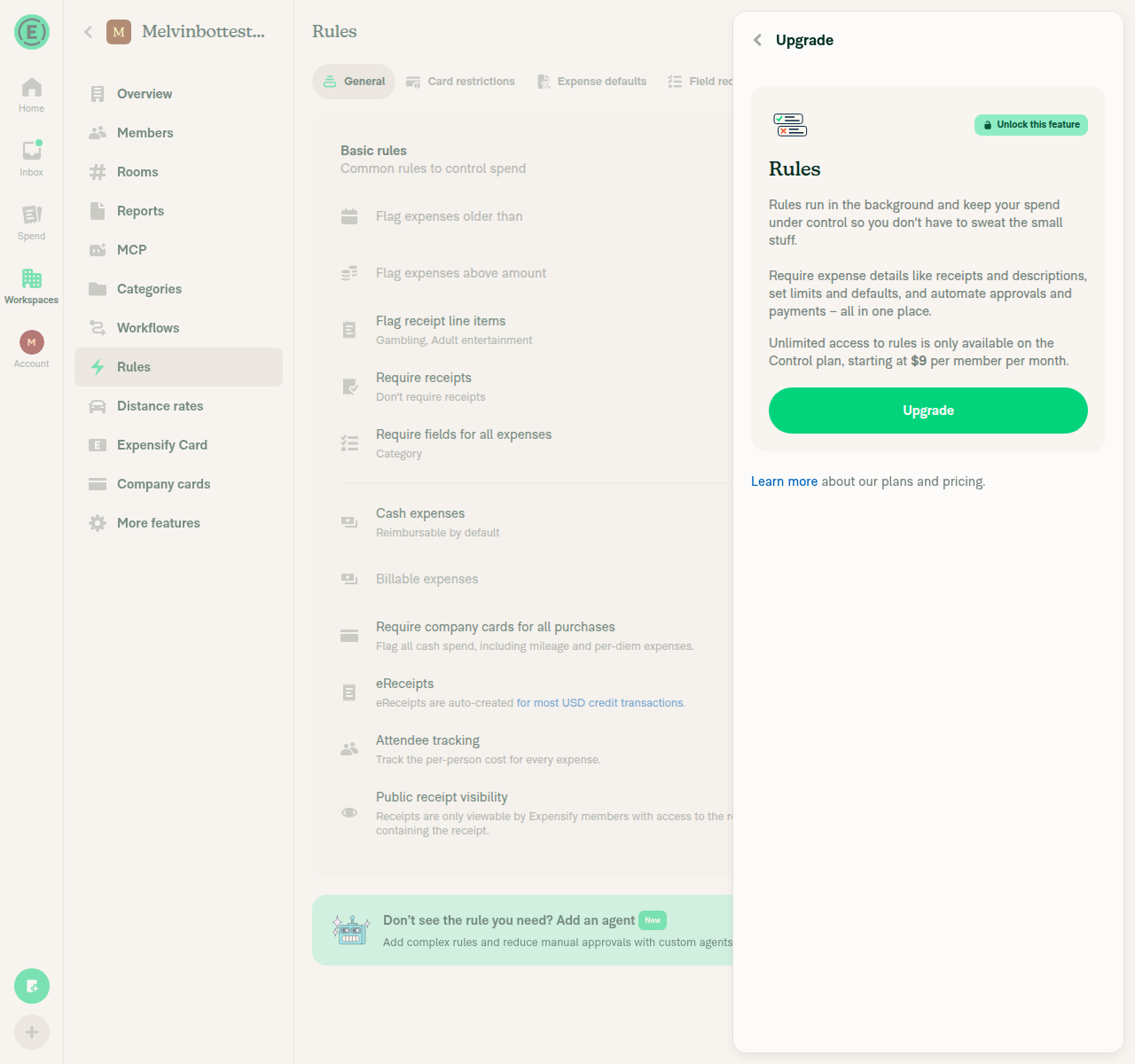
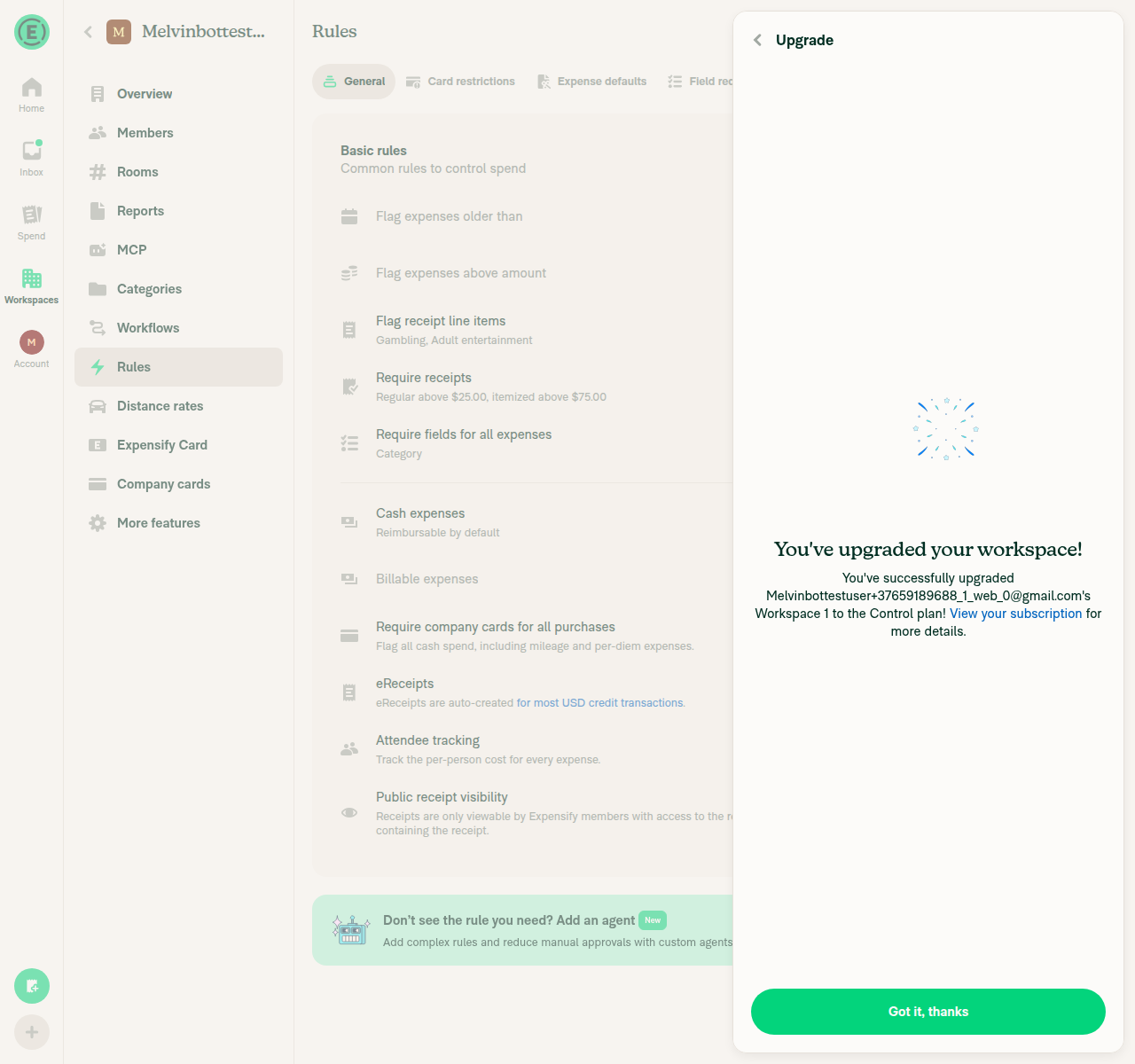
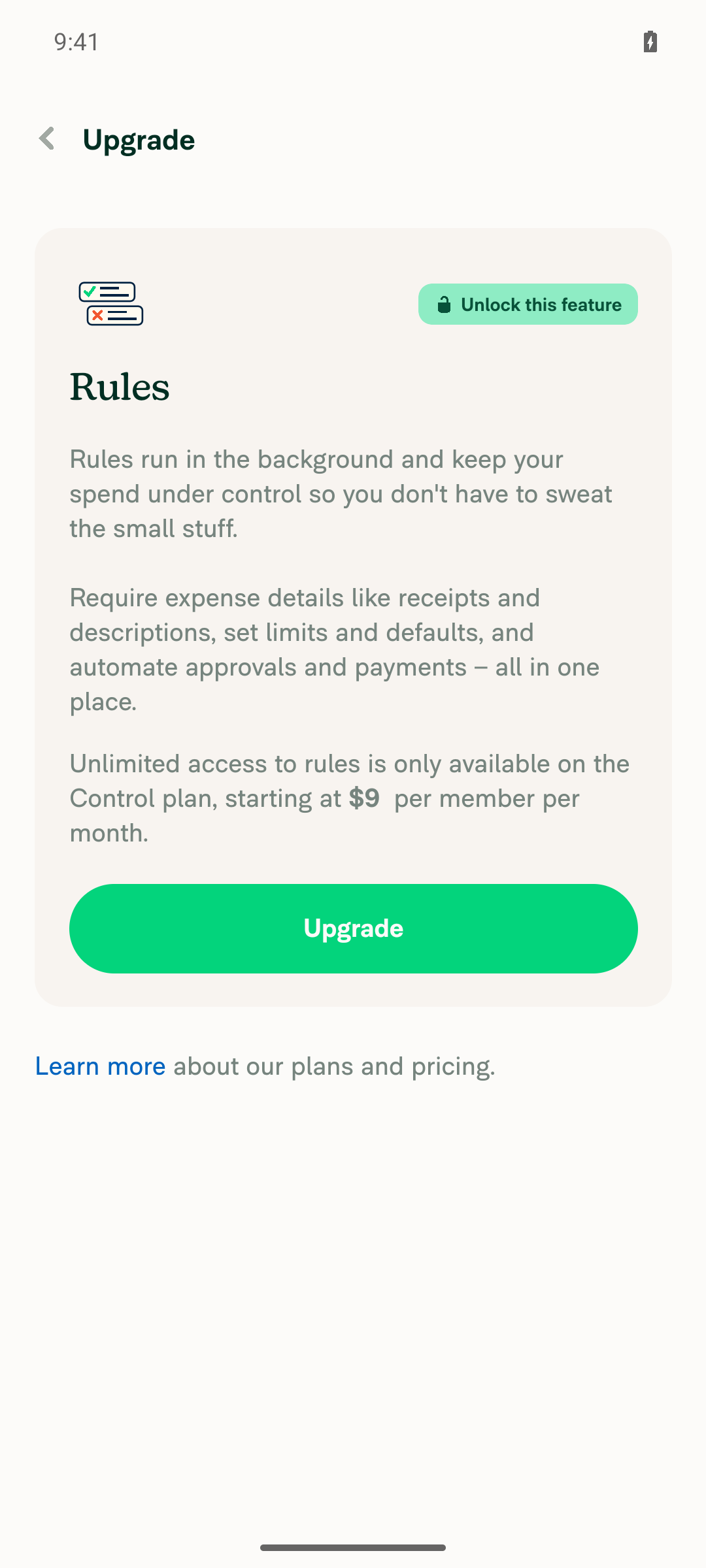
🤖 Web test steps verification results: ✅ pass On a Collect workspace with Rules enabled, opening the Add spend rule form redirected to the Control upgrade page. After upgrading, the app returned to the "Restrict card spend" form, not Rules > General. Issuing an Expensify Card was blocked by an email verification code, so the test opened
|
|
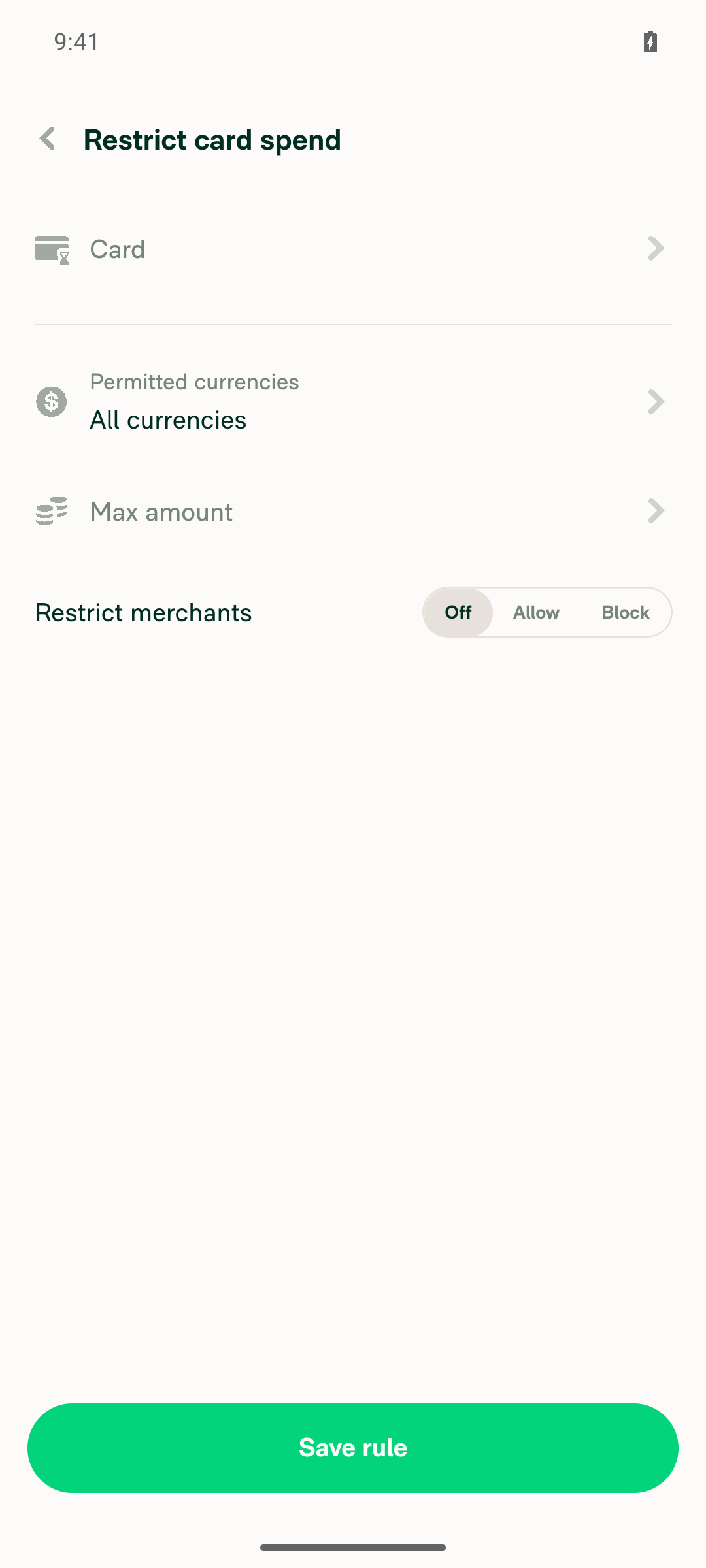
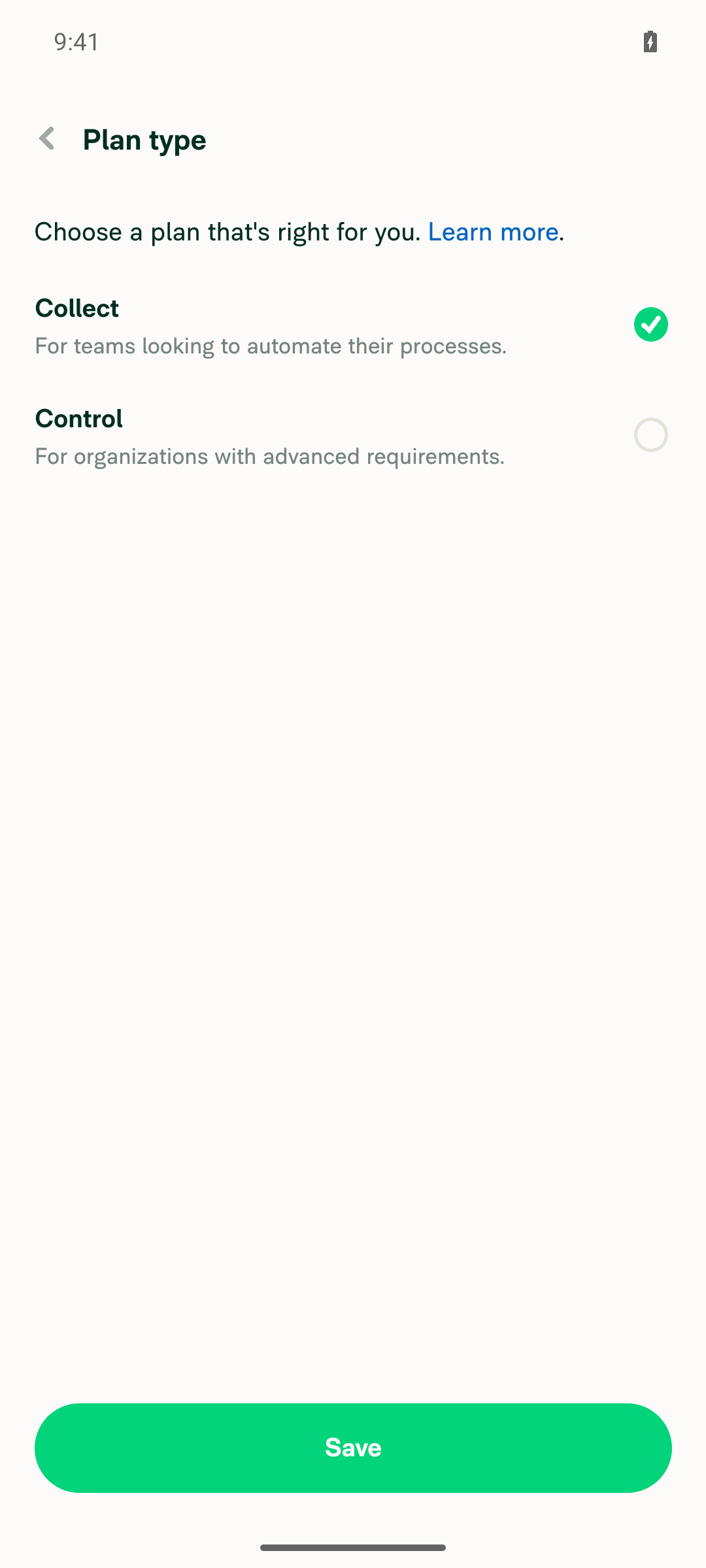
🤖 Android test steps verification results: ✅ pass On a Collect workspace with Rules enabled, tapping a chat link to the Add spend rule form redirected to the Control upgrade page. After upgrading, the app returned to the "Restrict card spend" form, not Rules > General. Issuing an Expensify Card was blocked by an email verification code, so the test used the
|

|
@MelvinBot pull main |
|
@codex review |
|
@MelvinBot review |

Codex Review SummaryThis comment shows the latest Codex review activity on this pull request.
ℹ️ About Codex in GitHubYour team has set up Codex to review pull requests in this repo. Reviews are triggered when you
Codex reacts with 👀 while any review is running, comments if it has suggestions, and reacts with 👍 once all reviews finish with no findings. |
|
Codex Review: Didn't find any major issues. Can't wait for the next one! Reviewed commit: ℹ️ About Codex in GitHubCodex has been enabled to automatically review pull requests in this repo. Reviews are triggered when you
If Codex has suggestions, it will comment; otherwise it will react with 👍. When you sign up for Codex through ChatGPT, Codex can also answer questions or update the PR, like "@codex address that feedback". |
…gradeBackTo

Co-authored-by: Situ Chandra Shil <situchan@users.noreply.github.com>
|
@MelvinBot pull main, add QA steps same as OP in the linked issue and mark this PR ready for review |
Code reviewI found no blocking issues. The change is correct and matches the existing pattern in What I checked
Optional (non-blocking):
|

|
Done:
The Tests section still has its TODO placeholder for you to fill in. |
Reviewer Checklist
Screenshots/VideosAndroid: HybridAppAndroid: mWeb ChromeiOS: HybridAppiOS: mWeb SafariMacOS: Chrome / Safariweb1.movweb2.mov |

|
We did not find an internal engineer to review this PR, trying to assign a random engineer to #101699 as well as to this PR... Please reach out for help on Slack if no one gets assigned! |

 heyjennahay
left a comment
heyjennahay
left a comment
heyjennahay
left a comment
There was a problem hiding this comment.
Product change LGTM 👍


|
🚧 yuwenmemon has triggered a test Expensify/App build. You can view the workflow run here. |
|
🧪🧪 Use the links below to test this adhoc build on Android, iOS, and Web. Happy testing! 🧪🧪
|


|
✋ This PR was not deployed to staging yet because QA is ongoing. It will be automatically deployed to staging after the next production release. |

|
🚀 Deployed to staging by https://github.com/yuwenmemon in version: 9.5.15-1 🚀
|
|
No help site update needed. This PR is a navigation bug fix: after you upgrade from a spend rule page, the app now returns you to the spend rule form instead of Rules > General, which is what users already expect. No help article describes where you land after upgrading. |

|
🚀 Deployed to production by https://github.com/grgia in version: 9.5.15-3 🚀
Bundle Size Analysis (Sentry): |


Explanation of Change
On a Collect workspace, opening a workspace spend rule form (for example, via Expensify Card details > Edit spend rules) redirects to the Control upgrade page via
useControlOnlyRuleUpgradeRedirect.EditSpendRulePageandAddSpendRulePagedidn't passupgradeBackTo, so the hook fell back to the workspace Rules route. After upgrading, the user landed on Rules > General instead of the spend rule form.This PR passes
upgradeBackTofrom both pages, the same wayWalletExpensifyCardSpendRulesPagealready does:EditSpendRulePage→ROUTES.RULES_SPEND_EDIT.getRoute(policyID, ruleID)AddSpendRulePage→ROUTES.RULES_SPEND_NEW.getRoute(policyID)When the user comes back, the policy is already Control, so the hook doesn't redirect again.
Fixed Issues
$ #101699
PROPOSAL: #101699 (comment)
Tests
// TODO: The human co-author must fill out the tests you ran before marking this PR as "ready for review"
// Please describe what tests you performed that validates your changed worked.
Offline tests
QA Steps
Preconditions:
PR Author Checklist
### Fixed Issuessection aboveTestssectionOffline stepssectionQA stepssectionAvatar, I verified the components usingAvatarare working as expected)StyleUtils.getBackgroundAndBorderStyle(theme.componentBG))npm run compress-svg)Avataris modified, I verified thatAvataris working as expected in all cases)Designlabel and/or tagged@Expensify/designso the design team can review the changes.mainbranch was merged into this PR after a review, I tested again and verified the outcome was still expected according to theTeststeps.Screenshots/Videos
Android: Native
Android: mWeb Chrome
iOS: Native
iOS: mWeb Safari
MacOS: Chrome / Safari