Skip to content

Fix/align workspace selector logic v2 - #102844

Merged
roryabraham merged 14 commits into
Expensify:mainfrom
software-mansion-labs:fix/align-workspace-selector-logic-v2
Oct 20, 2026
Merged

roryabraham merged 14 commits into
Expensify:mainfrom
software-mansion-labs:fix/align-workspace-selector-logic-v2

Conversation

@jmusial

@jmusial jmusial commented Oct 2, 2026 •

Copy link
Copy Markdown
Contributor

Explanation of Change

Explanation of Change

A follow-up to #98973 (details), and the re-land of #101430, which was reverted in #102134 after deploy blocker #102130.

Aligns "Create report" with the intended workspace selector rules:

  • When the user's domain security group locks them to a preferred workspace, that workspace is their default (confirmed here). The workspace selector is skipped no matter how many workspaces they belong to.
  • If that preferred workspace is also billing-restricted, the billing restriction page opens instead of the selector.
  • The FAB no longer truncates eligible workspaces with .slice(0, 2), so a default workspace that is 3rd or later in the list creates the report directly.

Behaviour change vs production: domain-locked users who see the workspace selector today will stop seeing it. This is intended.

What changed since #101430

  • Preferred workspace is read by Onyx key. [Due for payment 2026-10-01] Creating new report via FAB automatically uses default WS, not the Preferred one. #102130 searched the caller-provided groupPoliciesWithChatEnabled list for it. When the preferred workspace wasn't in that list, the lock silently did nothing, which is the [Due for payment 2026-10-01] Creating new report via FAB automatically uses default WS, not the Preferred one. #102130 symptom. It is now read directly and validated with the new canCreateReportOnPolicy. A membership-only stub falls back to the normal rules.
  • Loading gate covers the lock. "Create report" stays hidden and inert until the security group and the preferred workspace have loaded. Before, the lock could read as "not restricted" during hydration.
  • useCreateReport resolves the default workspace itself. It uses getDefaultChatEnabledPolicySelection selector, and callers no longer pass groupPoliciesWithChatEnabled. Each caller used to build that list differently; for example, the empty Reports view built it without the user's login. This also avoids deep-comparing every eligible policy on each policy_ update, which the FAB started doing once .slice(0, 2) was dropped.
  • All five entry points share one code path. FAB, Search router and the empty Reports view already used the hook. The Home quick bar "Report" button and the Search header "Create > Create report" item had their own copy of the branching and ignored the lock. They now go through useCreateReport too.

Fixed Issues

$ #101560
PROPOSAL:

Tests

Setup for domain-locked scenarios

Account on a verified domain, member of 3+ workspaces, none owned. A domain admin opens Domains > [domain] > Groups > [account's group], turns on "Preferred Workspace" and picks workspace B. The account's default workspace (Settings > Workspaces, "Default" badge) is a different workspace, A.

Original issue (#101560)

Scenario 1: default workspace 3rd or later in the list

  1. Open app with an account (no domain lock) invited to 3+ workspaces, none owned, no empty report on the third
  2. Navigate to Settings > Workspaces, open the third workspace's menu and choose "Set as default workspace", then FAB > Create report
  3. Verify that the report is created on the third workspace and no workspace selector opens

Scenario 2: domain lock + billing restriction

  1. Open app with the domain-locked account where preferred workspace B's owner is past due beyond the grace period
  2. Navigate to FAB > Create report
  3. Verify that the billing restriction page for workspace B opens instead of the workspace selector

Deploy blocker (#102130)

Scenario 3: domain lock beats the default workspace

  1. Open app with the domain-locked account
  2. Navigate to FAB > Create report
  3. Verify that no workspace selector opens
  4. Verify that the report is created on preferred workspace , not default workspace

Scenario 4: domain lock with a personal default (#101560 (comment))

  1. Open app with the domain-locked account whose default is the personal workspace (e.g. set in Expensify Classic)
  2. Navigate to FAB > Create report
  3. Verify that no workspace selector opens and the report is created on preferred workspace

New in this PR

Scenario 5: domain lock on every Create report entry point

  1. Open app with the domain-locked account on a wide layout (desktop web)
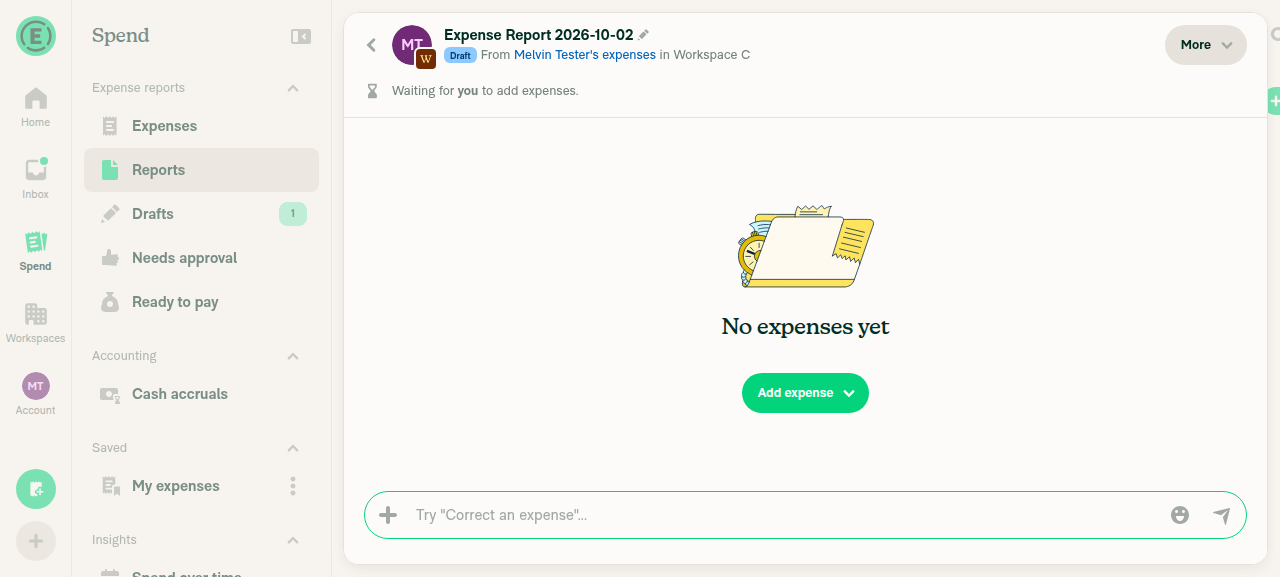
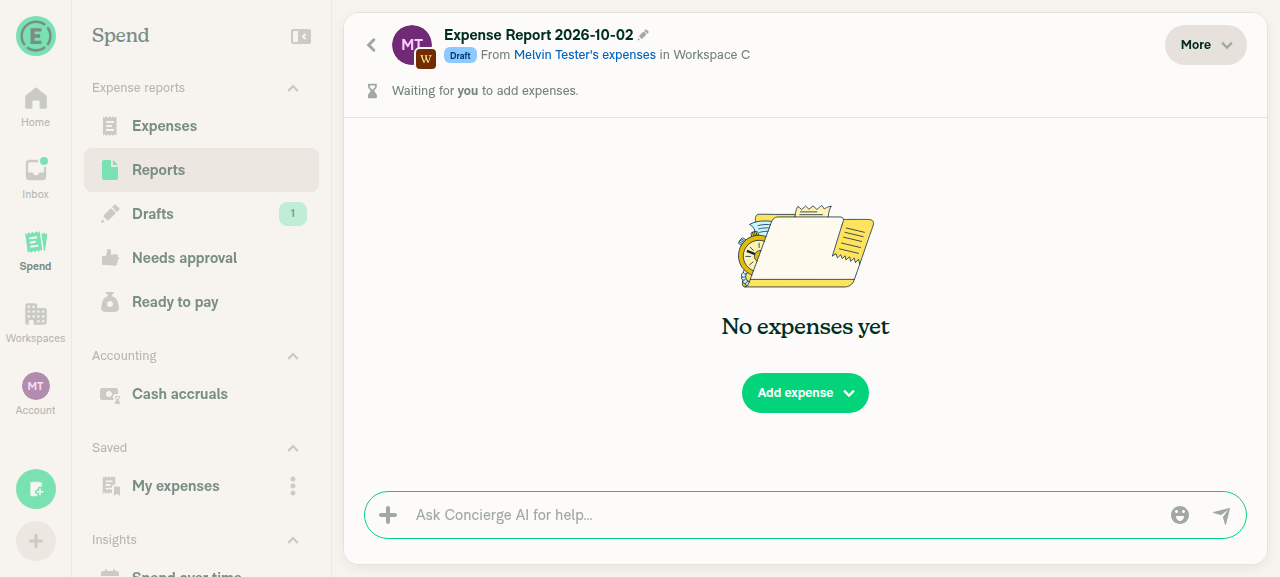
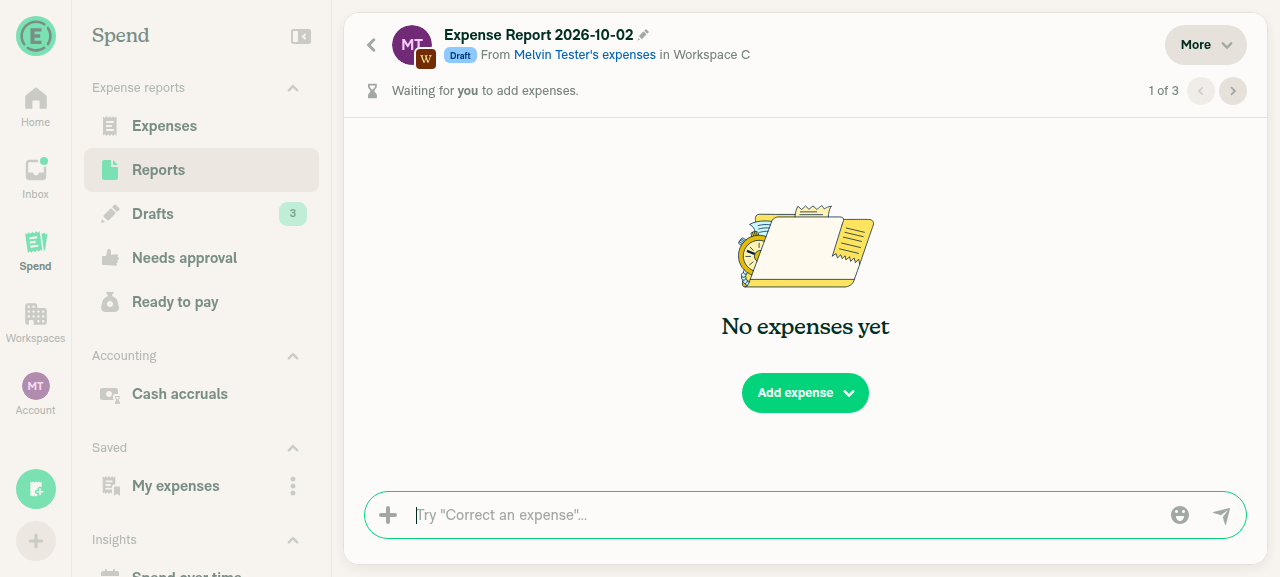
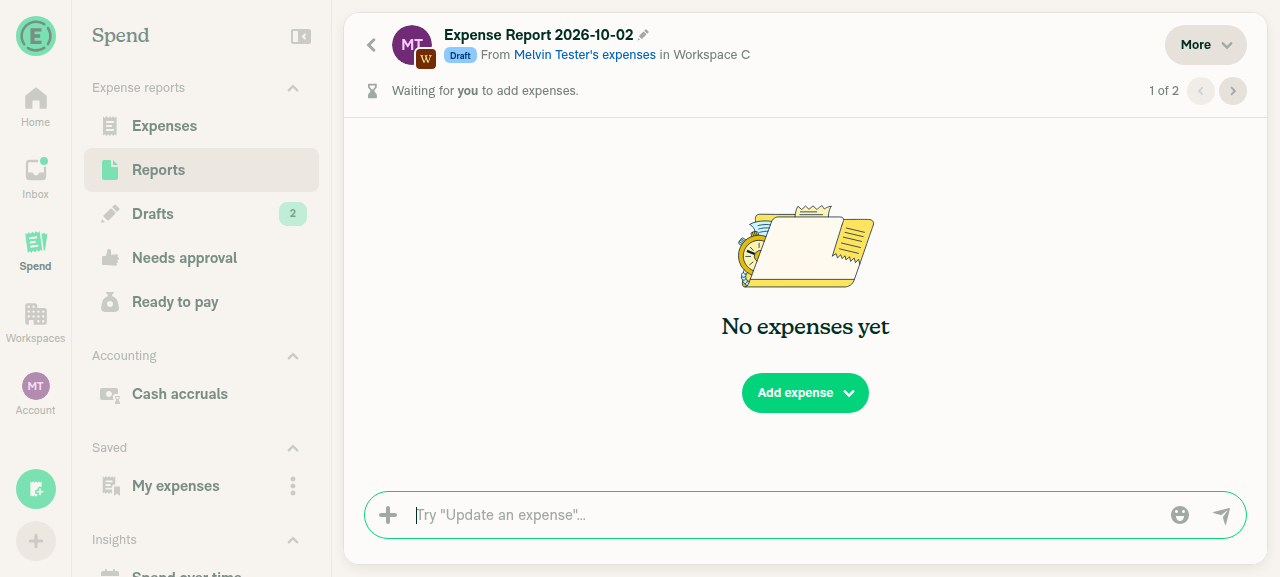
  2. Navigate to Spend > "Create report", the search router (type "Create report", select it), and the empty Reports view "Create report" button
  3. Verify that each one creates the report on preferred workspace B with no workspace selector

Showing selector example

Scenario 6: billing-restricted default with other workspaces (selector expected)

  1. Open app with an account (no domain lock) invited to 2+ workspaces, none owned, default workspace A's owner past due beyond the grace period, workspace B's owner in good standing
  2. Navigate to FAB > Create report
  3. Verify that the workspace selector opens instead of the billing restriction page
  4. Verify that picking workspace B creates the report on workspace B

Offline tests

N/A

QA Steps

Same as tests

PR Author Checklist

  • I linked the correct issue in the ### Fixed Issues section above
  • I wrote clear testing steps that cover the changes made in this PR
    • I added steps for local testing in the Tests section
    • I added steps for the expected offline behavior in the Offline steps section
    • I added steps for Staging and/or Production testing in the QA steps section
    • I added steps to cover failure scenarios (i.e. verify an input displays the correct error message if the entered data is not correct)
    • I turned off my network connection and tested it while offline to ensure it matches the expected behavior (i.e. verify the default avatar icon is displayed if app is offline)
    • I tested this PR with a High Traffic account against the staging or production API to ensure there are no regressions (e.g. long loading states that impact usability).
  • I included screenshots or videos for tests on all platforms
  • I ran the tests on all platforms & verified they passed on:
    • Android: Native
    • Android: mWeb Chrome
    • iOS: Native
    • iOS: mWeb Safari
    • MacOS: Chrome / Safari
  • I verified there are no console errors (if there's a console error not related to the PR, report it or open an issue for it to be fixed)
  • I followed proper code patterns (see Reviewing the code)
    • I verified that comments were added to code that is not self explanatory
    • I verified that any new or modified comments were clear, correct English, and explained "why" the code was doing something instead of only explaining "what" the code was doing.
    • I verified any copy / text that was added to the app is grammatically correct in English. It adheres to proper capitalization guidelines (note: only the first word of header/labels should be capitalized), and is either coming verbatim from figma or has been approved by marketing (in order to get marketing approval, ask the Bug Zero team member to add the Waiting for copy label to the issue)
  • If a new code pattern is added I verified it was agreed to be used by multiple Expensify engineers
  • I followed the guidelines as stated in the Review Guidelines
  • I tested other components that can be impacted by my changes (i.e. if the PR modifies a shared library or component like Avatar, I verified the components using Avatar are working as expected)
  • If a new CSS style is added I verified that:
    • A similar style doesn't already exist
    • The style can't be created with an existing StyleUtils function (i.e. StyleUtils.getBackgroundAndBorderStyle(theme.componentBG))
  • If new assets were added or existing ones were modified, I verified that:
    • The assets are optimized and compressed (for SVG files, run npm run compress-svg)
    • The assets load correctly across all supported platforms.
  • If the PR modifies code that runs when editing or sending messages, I tested and verified there is no unexpected behavior for all supported markdown - URLs, single line code, code blocks, quotes, headings, bold, strikethrough, and italic.
  • If the PR modifies a generic component, I tested and verified that those changes do not break usages of that component in the rest of the App (i.e. if a shared library or component like Avatar is modified, I verified that Avatar is working as expected in all cases)
  • If the PR modifies a component related to any of the existing Storybook stories, I tested and verified all stories for that component are still working as expected.
  • If the PR modifies a component or page that can be accessed by a direct deeplink, I verified that the code functions as expected when the deeplink is used - from a logged in and logged out account.
  • If the PR modifies the UI (e.g. new buttons, new UI components, changing the padding/spacing/sizing, moving components, etc) or modifies the form input styles:
    • I verified that all the inputs inside a form are aligned with each other.
    • I added Design label and/or tagged @Expensify/design so the design team can review the changes.
  • If the PR adds or modifies the UI:
    • I asked an AI agent to review the changes for accessibility issues and addressed its findings.
    • I tested with a screen reader (VoiceOver on macOS) and verified all new/changed elements are reachable with a logical focus order.
    • I verified all new/changed elements have meaningful accessible names and roles.
    • I verified state changes are announced (e.g. checked/unchecked, expanded/collapsed, selected).
  • I added unit tests for any new feature or bug fix in this PR to help automatically prevent regressions in this user flow.
  • If the main branch was merged into this PR after a review, I tested again and verified the outcome was still expected according to the Test steps.

Screenshots/Videos

MacOS: Chrome / Safari

Scenarios 1 - 5

Screen.Recording.2026-10-07.at.12.55.16.mov

Scenario 6

Screen.Recording.2026-10-07.at.12.59.54.mov

@codecov

codecov Bot commented Oct 2, 2026 •

Copy link
Copy Markdown

Codecov Report

❌ Looks like you've decreased code coverage for some files. Please write tests to increase, or at least maintain, the existing level of code coverage. See our documentation here for how to interpret this table.

Files with missing lines Coverage Δ
...nents/Navigation/QuickCreationActionsBar/index.tsx 95.38% <100.00%> (+3.07%) ⬆️
.../SearchPageHeader/SearchActionsBarCreateButton.tsx 93.87% <100.00%> (-2.23%) ⬇️
...rch/SearchRouter/useCreateNavigationSuggestions.ts 98.66% <100.00%> (-0.04%) ⬇️
src/hooks/useCreateReport.tsx 100.00% <100.00%> (ø)
src/hooks/usePreferredPolicy.ts 100.00% <100.00%> (ø)
src/libs/PolicyUtils/policy.ts 82.00% <100.00%> (+0.24%) ⬆️
...BPopoverContent/menuItems/CreateReportMenuItem.tsx 96.00% <100.00%> (+8.50%) ⬆️
src/pages/Search/EmptySearchView.tsx 75.17% <50.00%> (-0.35%) ⬇️
... and 12 files with indirect coverage changes

Home quick bar and Search header Create menu bypassed the hook and ignored
the domain preferred-workspace lock (Expensify#102130). The hook now resolves the
default workspace itself via a scalar selector, so callers no longer pass
groupPoliciesWithChatEnabled.
@jmusial

jmusial commented Oct 2, 2026

Copy link
Copy Markdown
Contributor Author

@MelvinBot are you able to run web only ad hoc on this PR ?

@MelvinBot

Copy link
Copy Markdown
Contributor

🤖 Web test steps verification results: ⚠️ partial

Every scenario this test account could run passed: each "Create report" entry point went straight to the default workspace, even when it was 3rd in the list, with no workspace selector. Scenarios 2–4 need a domain-locked account with a preferred workspace set by a domain admin, which the test account can't have, so they were not tested.
Empty Reports view Create report

Step Status
Scenario 1: 3rd workspace set as default, FAB > Create report (owned workspaces A, B, C used as an approximation)Set Workspace C (3rd) as default. FAB > Create report created the report on Workspace C with no workspace selector.
Scenario 1 report on Workspace C
✅
Scenario 2: domain lock + billing restriction opens the billing restriction pageNot tested. This needs a domain-locked account whose preferred workspace owner is past due. The test account isn't on a verified domain.
⚠️
Scenario 3: domain lock beats the default workspaceNot tested. This needs a domain admin to set a preferred workspace on a security group.
⚠️
Scenario 4: domain lock with a personal defaultNot tested. Same domain admin setup as Scenario 3.
⚠️
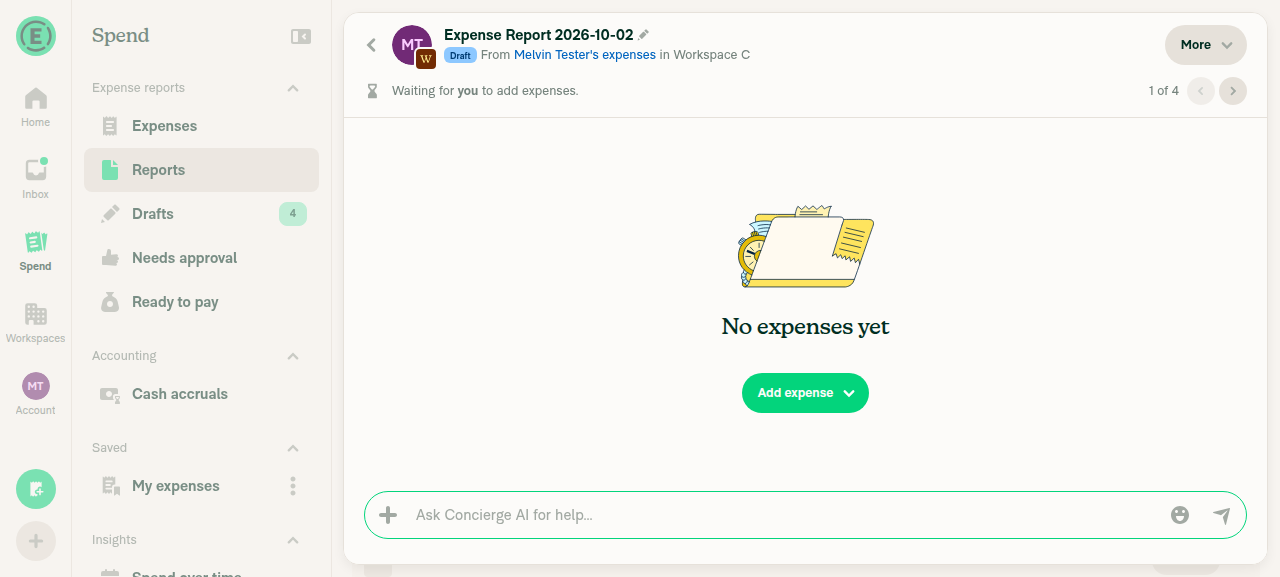
Scenario 5: Home > "Report" quick action (wide layout, non-locked account)Showed the "You already have an empty report in Workspace C" prompt. Confirming it created the report on Workspace C with no selector.
Home Report quick action
✅
Reports > "Create" > "Create report"Same empty-report prompt for Workspace C. Confirming it created the report on Workspace C with no selector.
Reports Create > Create report
✅
Search router: type "Create report" and select itSame empty-report prompt for Workspace C. Confirming it created the report on Workspace C with no selector.
Search router Create report
✅
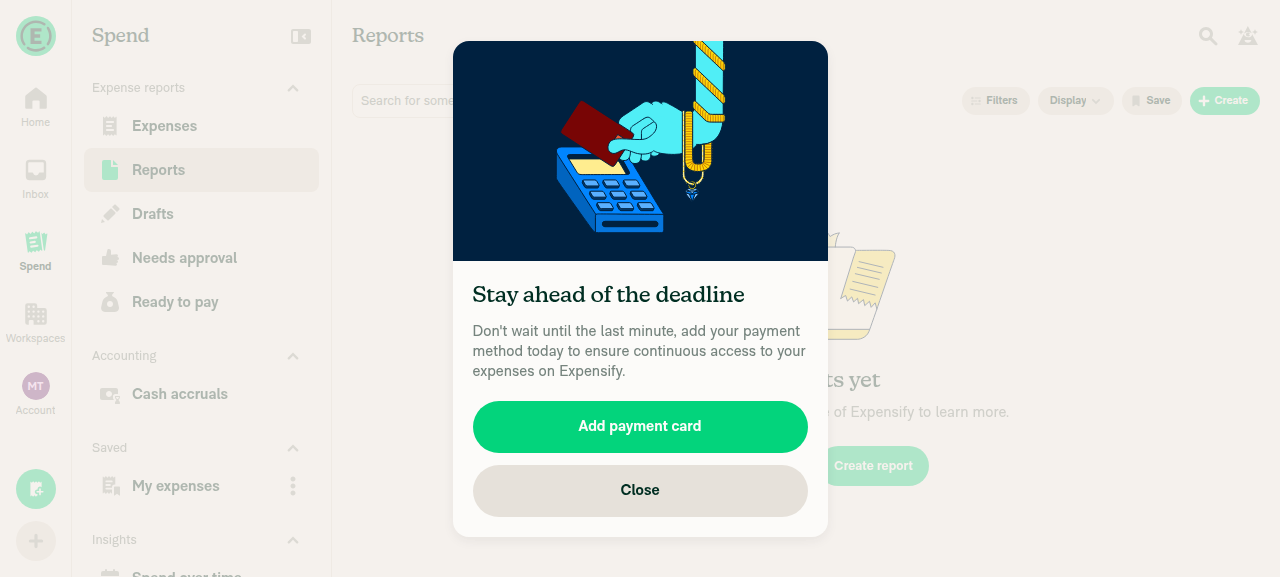
Empty Reports view "Create report" buttonAfter all drafts were deleted, "No reports yet" showed a "Create report" button. Clicking it created the report on Workspace C with no selector. One earlier click showed a billing "Add payment card" nudge modal once. Later clicks worked normally, so this looks like a one-off double-click race. Watch for it in other runs.
Transient billing nudge modal
Empty Reports view Create report
✅

@jmusial

jmusial commented Oct 2, 2026

Copy link
Copy Markdown
Contributor Author

@MelvinBot not what I asked for. Run a web ad hoc build so a human can test scenarios you can't

@MelvinBot

Copy link
Copy Markdown
Contributor

Sorry, I misread your first request. I can't start the ad hoc build. The Build and deploy apps for testing workflow only runs when an Expensify employee with write access dispatches it. That person must also confirm they reviewed the PR for malicious code. This PR comes from a fork, so that review is a human check I shouldn't sign off on.

An Expensify employee can start a web-only build by running that workflow with these inputs:

The workflow comments on this PR when it starts and posts the web link when the build is ready.

@jmusial

jmusial commented Oct 5, 2026

Copy link
Copy Markdown
Contributor Author

@MelvinBot review please

@MelvinBot

Copy link
Copy Markdown
Contributor

PR review

I found one likely regression and two smaller issues. The rest looks good: all five entry points now share one code path, the preferred workspace is read by key, and canCreateReportOnPolicy keeps the lock check and the eligible list consistent.

1. Empty Reports view now reads policies from the Search snapshot (likely regression)

EmptySearchViewContent renders inside <SearchScopeProvider> (EmptySearchView.tsx:94). In that scope, App's useOnyx wrapper reads policy_* keys from the current search snapshot instead of live Onyx. POLICY is in SEARCH_SNAPSHOT_ONYX_KEYS, and only todo searches use live data.

Before this PR, the empty view built the eligible list and the policy passed to createNewReport from live data in the outer EmptySearchView. Now useCreateReport reads the collection selector, defaultChatEnabledPolicyByKey and preferredPolicy itself (useCreateReport.tsx:64-72). In this view, all three now come from the snapshot. The codebase already warns that snapshot policies can be partial (useTransactionInlineEdit.ts:32).

Possible effects in the empty Reports view:

  • If the preferred workspace is missing from the snapshot or only partly there, the lock is silently skipped. That is the same symptom as the deploy blocker.
  • createNewReport can receive a partial policy, so the optimistic report data (for example, currency or approvers) may be wrong.

Suggested fix: In useCreateReport, read the policy keys with useOnyx from react-native-onyx directly, as useTransactionInlineEdit does. Then the hook always uses live data, whatever scope the caller is in. Also add a test that renders the hook inside SearchScopeProvider with a search hash set.

I traced this in the code but didn't confirm it at runtime.

2. Two entry points ignore isVisible

QuickCreationActionsBar (index.tsx:104) and SearchActionsBarCreateButton (SearchActionsBarCreateButton.tsx:85) only use createReport. While data hydrates, the button still shows, but createReport returns early, so a tap does nothing. The description says "Create report" stays hidden during this time. Either hide these two entry points with isVisible or update the description.

3. The loading gate only covers storage reads

isLoadingOnyxValue is only true while Onyx reads from local storage. On a fresh sign-in, MY_DOMAIN_SECURITY_GROUPS counts as loaded but stays empty until OpenApp returns, so the lock reads as off during that window. The existing policy gate has the same limit, so this isn't a blocker. I'm flagging it because the description says the gate covers the lock.

@jmusial
jmusial marked this pull request as ready for review October 7, 2026 11:02
@jmusial
jmusial requested review from a team as code owners October 7, 2026 11:02
@melvin-bot
melvin-bot Bot requested review from JmillsExpensify and sobitneupane and removed request for a team October 7, 2026 11:02
@melvin-bot

melvin-bot Bot commented Oct 7, 2026

Copy link
Copy Markdown

@sobitneupane Please copy/paste the Reviewer Checklist from here into a new comment on this PR and complete it. If you have the K2 extension, you can simply click: [this button]

@jmusial

jmusial commented Oct 7, 2026

Copy link
Copy Markdown
Contributor Author

cc. @trjExpensify could you please take a look @ vids and test steps and confirm they're as expected ?

JmillsExpensify
JmillsExpensify previously approved these changes Oct 8, 2026

@JmillsExpensify JmillsExpensify left a comment

Copy link
Copy Markdown
Contributor

Choose a reason for hiding this comment

The reason will be displayed to describe this comment to others. Learn more.

Mostly cleanup here. LGTM

@sobitneupane

Copy link
Copy Markdown
Contributor

@jmusial I could not verify Scenario 3.

The empty report is created in the default workspace instead of the preferred workspace.

Screen.Recording.2026-10-08.at.20.25.35.mov

@trjExpensify

Copy link
Copy Markdown
Contributor

Overall, looks pretty good! I was going to say the same thing. What happens here?

image image

@jmusial

jmusial commented Oct 9, 2026 •

Copy link
Copy Markdown
Contributor Author

Overall, looks pretty good! I was going to say the same thing. What happens here?

image image

I think the second browser didn't catch the workspace changes yet. On following tries it was g

@github-actions

Copy link
Copy Markdown
Contributor

🚧 mountiny has triggered a test Expensify/App build. You can view the workflow run here.

@github-actions

This comment has been minimized.

@huult

huult commented Oct 13, 2026 •

Copy link
Copy Markdown
Contributor

I can help review this PR. Slack

Comment on lines 61 to 62
shouldHandleNavigationBack = true,
shouldSkipEmptyReportConfirmation = false,
}: UseCreateReportParams): UseCreateReportResult {
const [activePolicyID] = useOnyx(ONYXKEYS.NVP_ACTIVE_POLICY_ID);

Copy link
Copy Markdown
Contributor

Choose a reason for hiding this comment

The reason will be displayed to describe this comment to others. Learn more.

@jmusial Can we remove this comment? I don't think it's necessary.

Comment thread src/hooks/useCreateReport.tsx Outdated
Comment on lines +74 to +75
// Read the preferred workspace by key rather than searching the caller's list, so the lock does not depend on
// how (or whether) a caller filtered its candidates. Same pattern as useDefaultExpensePolicy.

Copy link
Copy Markdown
Contributor

Choose a reason for hiding this comment

The reason will be displayed to describe this comment to others. Learn more.

@jmusial Can we remove this comment? I don't think it's necessary.

Comment thread src/hooks/useCreateReport.tsx Outdated

const defaultChatEnabledPolicy = getDefaultChatEnabledPolicy(groupPoliciesWithChatEnabled as Array<OnyxEntry<OnyxTypes.Policy>>, activePolicy);
// A domain security group can lock members to a preferred workspace. When that workspace can take reports it wins over
// the active policy and the selector is skipped. An ineligible preferred workspace (not a member, wrong type) falls back to the normal rules.

Copy link
Copy Markdown
Contributor

Choose a reason for hiding this comment

The reason will be displayed to describe this comment to others. Learn more.

@jmusial Can we remove this comment? I don't think it's necessary.

@huult

huult commented Oct 14, 2026

Copy link
Copy Markdown
Contributor

Scenario 1: default workspace 3rd or later in the list

Screen.Recording.2026-10-14.at.11.50.16.mov

Scenario 2: domain lock + billing restriction

Screen.Recording.2026-10-14.at.11.53.38.mov

Scenario 3: domain lock beats the default workspace

Screen.Recording.2026-10-14.at.12.05.33.mov

Scenario 4: domain lock with a personal default (#101560 (comment))

Screen.Recording.2026-10-14.at.12.14.08.mov

Scenario 5: domain lock on every Create report entry point

Screen.Recording.2026-10-14.at.12.17.39.mov

Scenario 6: billing-restricted default with other workspaces (selector expected)

Screen.Recording.2026-10-14.at.12.21.44.mov

@huult

huult commented Oct 14, 2026 •

Copy link
Copy Markdown
Contributor

Reviewer Checklist

  • I have verified the author checklist is complete (all boxes are checked off).
  • I verified the correct issue is linked in the ### Fixed Issues section above
  • I verified testing steps are clear and they cover the changes made in this PR
    • I verified the steps for local testing are in the Tests section
    • I verified the steps for Staging and/or Production testing are in the QA steps section
    • I verified the steps cover any possible failure scenarios (i.e. verify an input displays the correct error message if the entered data is not correct)
    • I turned off my network connection and tested it while offline to ensure it matches the expected behavior (i.e. verify the default avatar icon is displayed if app is offline)
  • I checked that screenshots or videos are included for tests on all platforms
  • I included screenshots or videos for tests on all platforms
  • I verified that the composer does not automatically focus or open the keyboard on mobile unless explicitly intended. This includes checking that returning the app from the background does not unexpectedly open the keyboard.
  • I verified tests pass on all platforms & I tested again on:
    • Android: HybridApp
    • Android: mWeb Chrome
    • iOS: HybridApp
    • iOS: mWeb Safari
    • MacOS: Chrome / Safari
  • If there are any errors in the console that are unrelated to this PR, I either fixed them (preferred) or linked to where I reported them in Slack
  • I verified any copy / text that was added to the app is either coming verbatim from figma or has been approved by marketing (in order to get marketing approval, ask the Bug Zero team member to add the Waiting for copy label to the issue)
  • If a new code pattern is added I verified it was agreed to be used by multiple Expensify engineers
  • I verified other components that can be impacted by these changes have been tested, and I retested again (i.e. if the PR modifies a shared library or component like Avatar, I verified the components using Avatar have been tested & I retested again)
  • If a new component is created I verified that:
    • A similar component doesn't exist in the codebase
    • All props are defined accurately
    • The component has a clear name that is non-ambiguous and the purpose of the component can be inferred from the name alone
    • The only data being stored in the state is data necessary for rendering and nothing else
    • The component has the minimum amount of code necessary for its purpose, and it is broken down into smaller components in order to separate concerns and functions
  • If the PR modifies code that runs when editing or sending messages, I tested and verified there is no unexpected behavior for all supported markdown - URLs, single line code, code blocks, quotes, headings, bold, strikethrough, and italic.
  • If the PR modifies a generic component, I tested and verified that those changes do not break usages of that component in the rest of the App (i.e. if a shared library or component like Avatar is modified, I verified that Avatar is working as expected in all cases)
  • If the PR modifies a component related to any of the existing Storybook stories, I tested and verified all stories for that component are still working as expected.
  • If the PR modifies a component or page that can be accessed by a direct deeplink, I verified that the code functions as expected when the deeplink is used - from a logged in and logged out account.
  • If the PR modifies the UI (e.g. new buttons, new UI components, changing the padding/spacing/sizing, moving components, etc) or modifies the form input styles:
    • I verified that all the inputs inside a form are aligned with each other.
    • I added Design label and/or tagged @Expensify/design so the design team can review the changes.
  • If the PR adds or modifies the UI:
    • I asked an AI agent to review the changes for accessibility issues and addressed its findings.
    • I tested with a screen reader (VoiceOver on macOS) and verified all new/changed elements are reachable with a logical focus order.
    • I verified all new/changed elements have meaningful accessible names and roles.
    • I verified state changes are announced (e.g. checked/unchecked, expanded/collapsed, selected).
  • For any bug fix or new feature in this PR, I verified that sufficient unit tests are included to prevent regressions in this flow.
  • If the main branch was merged into this PR after a review, I tested again and verified the outcome was still expected according to the Test steps.
  • I have checked off every checkbox in the PR reviewer checklist, including those that don't apply to this PR.

Screenshots/Videos

Scenario 1: default workspace 3rd or later in the list

Screen.Recording.2026-10-14.at.11.50.16.mov

Scenario 2: domain lock + billing restriction

Screen.Recording.2026-10-14.at.11.53.38.mov

Scenario 3: domain lock beats the default workspace

Screen.Recording.2026-10-14.at.12.05.33.mov

Scenario 4: domain lock with a personal default (#101560 (comment))

Screen.Recording.2026-10-14.at.12.14.08.mov

Scenario 5: domain lock on every Create report entry point

Screen.Recording.2026-10-14.at.12.17.39.mov

Scenario 6: billing-restricted default with other workspaces (selector expected)

Screen.Recording.2026-10-14.at.12.21.44.mov

@huult

huult commented Oct 14, 2026

Copy link
Copy Markdown
Contributor

@jmusial Could you check my comment above?

@jmusial

jmusial commented Oct 14, 2026

Copy link
Copy Markdown
Contributor Author

@jmusial Could you check my comment above?

@huult trimmed down the comments

@huult huult left a comment

Copy link
Copy Markdown
Contributor

Choose a reason for hiding this comment

The reason will be displayed to describe this comment to others. Learn more.

LGTM.

@melvin-bot
melvin-bot Bot requested a review from roryabraham October 15, 2026 02:32
@huult

huult commented Oct 15, 2026

Copy link
Copy Markdown
Contributor

@jmusial could you sync with main?

@huult

huult commented Oct 20, 2026

Copy link
Copy Markdown
Contributor

@roryabraham all yours

@roryabraham
roryabraham merged commit cb7e082 into Expensify:main Oct 20, 2026
34 of 35 checks passed
@github-actions

Copy link
Copy Markdown
Contributor

🚧 roryabraham has triggered a test Expensify/App build. You can view the workflow run here.

@OSBotify

Copy link
Copy Markdown
Contributor

✋ This PR was not deployed to staging yet because QA is ongoing. It will be automatically deployed to staging after the next production release.

@OSBotify

Copy link
Copy Markdown
Contributor

🚀 Deployed to staging by https://github.com/roryabraham in version: 9.5.15-1 🚀

platform result
🕸 web 🕸 success ✅
🤖 android 🤖 success ✅
🍎 iOS 🍎 success ✅

@MelvinBot

Copy link
Copy Markdown
Contributor

No help site update needed. This PR makes Create report behave the way the articles already describe: it opens the report on the default or Preferred Workspace without asking you to pick one.

Articles checked

view run

@IuliiaHerets

Copy link
Copy Markdown

Hi @jmusial. Can you please clarify how to set up the Billing Restricted Workspace in the Admin Domain account?

cc @roryabraham @JmillsExpensify @sobitneupane @huult

@kavimuru

Copy link
Copy Markdown

@jmusial We were able to test Scenarios 1,3 and 5.

Scenario 2: domain lock + billing restriction, Scenario 4: domain lock with a personal default and Scenario 6: billing-restricted default with other workspaces (selector expected)

Scenario 4: domain lock with a personal default - unable to find the personal workspace in OD
We weren't able to set up the Billing restricted workspace.

@jmusial

jmusial commented Oct 21, 2026

Copy link
Copy Markdown
Contributor Author

Hi @jmusial. Can you please clarify how to set up the Billing Restricted Workspace in the Admin Domain account?

cc @roryabraham @JmillsExpensify @sobitneupane @huult

I think the workspace needs to be owned by an account that is past due and past its billing grace period.

@kavimuru

Copy link
Copy Markdown

@jmusial applause.expensifail.com domain accounts does not have have past its billing grace period accounts.

@OSBotify

Copy link
Copy Markdown
Contributor

🚀 Deployed to production by https://github.com/grgia in version: 9.5.15-3 🚀

platform result
🕸 web 🕸 success ✅
🤖 android 🤖 success ✅
🍎 iOS 🍎 success ✅

Bundle Size Analysis (Sentry):

Sign up for free to join this conversation on GitHub. Already have an account? Sign in to comment

Labels

None yet

Projects

None yet

Development

Successfully merging this pull request may close these issues.

10 participants