Codex · Claude Desktop · Claude Code · Cursor · Windsurf · Zed
Install in one line:
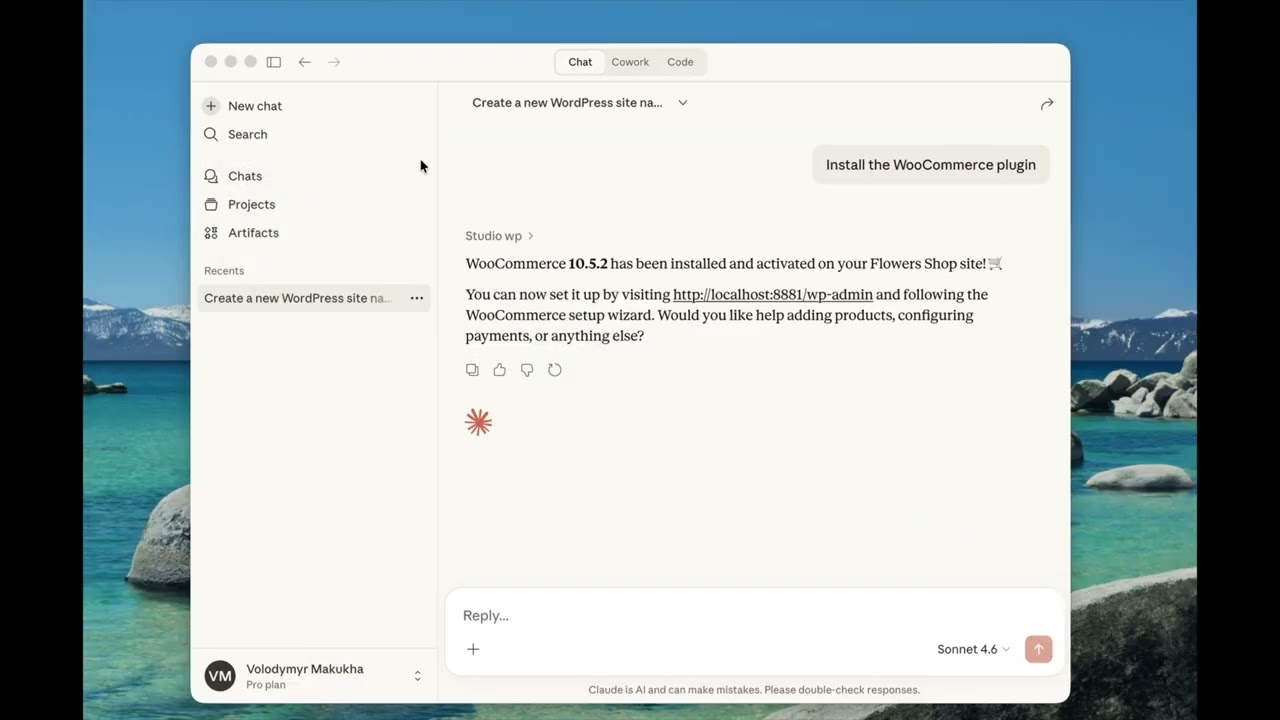
curl -fsSL https://raw.githubusercontent.com/nightnei/wordpress-developer-mcp-server/main/install.sh | bashOpen Codex, Claude, Cursor or another supported app and work as if the assistant already knows WordPress end to end: it can create and manage sites, install plugins, update themes and styles, run routine tasks, and create shareable preview links. You do not need to paste docs — describe what you want in plain language. For example, you might ask to create a new WordPress site named Flowers Shop, install the WooCommerce plugin, or create a shareable link for the shop.
macOS only — Windows support coming soon.
No action needed on your part. When a new version is available, your AI assistant will let you know and offer to update it for you — just confirm, and you're done.